Drips
Drips lets anyone stream money to the open source projects they depend on, by the second, or split it across lists of projects. I designed the product, the website and a design system that makes the brand and the app the same thing.
Role: Visual Design, Branding, Illustration, Icons, Design System
Illustration, Branding: Matt Massara
Other designers: Jason Efstathiou, Everett Williams
Live at drips.network
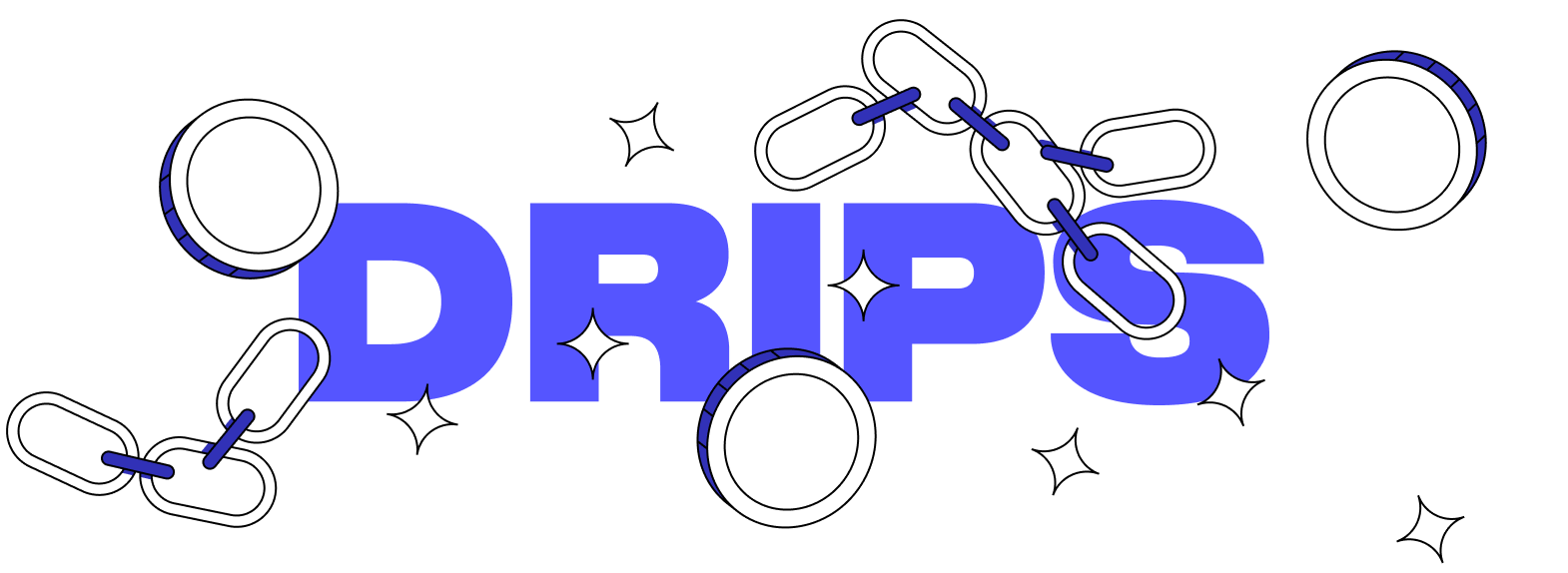
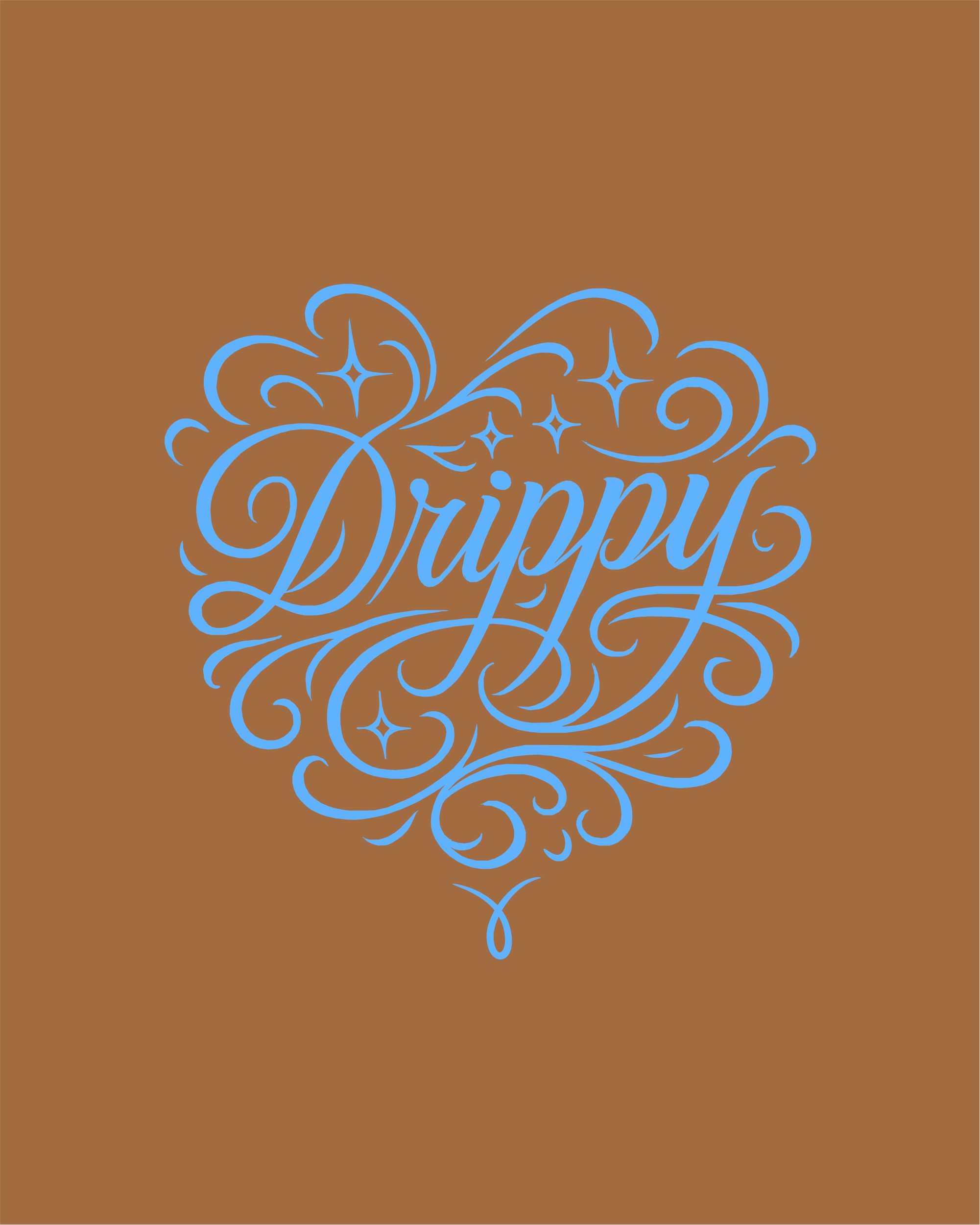
Most crypto and finance apps look the same: dark gradients, glassy cards, a sense that money is serious business. Drips is about funding the people who maintain open source, which is a warmer idea than that, and I wanted it to look like it. The brand has a point of view (a serif italic with real personality, hard black outlines, rounded corners except in the top right so everything kind of looks like a droplet) and I didn’t want the app to be the boring sibling of an exciting website. So the system is one thing: the same type, outlines and shapes run from the landing page into every form and modal in the product.
Jump to: Design system, Themes, Project colors, Website, App, Conference materials
Design system
Drips is built on tokens. Every color, outline and corner in the app comes from one, so when someone switches the theme or the primary color in Settings, the whole product changes with it, from buttons and cards to forms and modals. Try the switches below.
Type
Redaction, italic
Every h1 and every project name.
Color
Shape
0.5rem 0 0.5rem 0.5rem1rem 0 1rem 1rem1.5rem 0 1.5rem 1.5rem2rem 0 2rem 2remElevation
Buttons
Inputs and status
Custom icons


Customized Twemoji


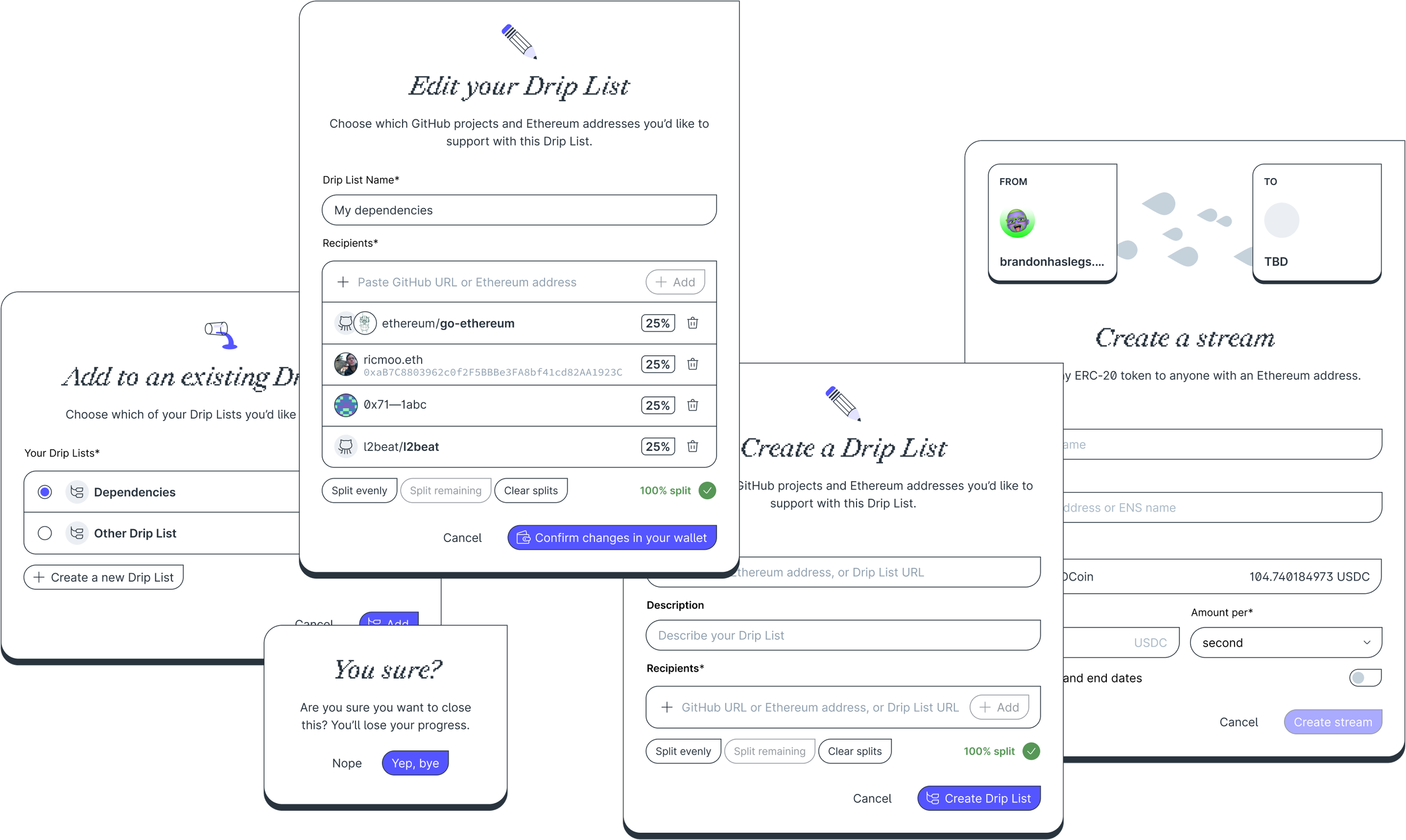
Shadows in the app are hard lines. The drip corner, square at the top right and round everywhere else, is on every button, card, input, badge and modal. And each color token comes in a base and three levels (a tint, a stronger tint and a readable shade) so any color can be used for a background, a border or text without picking new values.
The icon set and the emoji follow the same rules. I drew the icons for the app, around funding and code. For small illustrations I redrew a set of Twemoji in our line style. Both are colored only with theme tokens, so they change with everything else when you switch themes. On buttons with a colored background, the text color isn’t chosen by hand: the app measures the brightness of the current primary color and picks black or white.
Themes
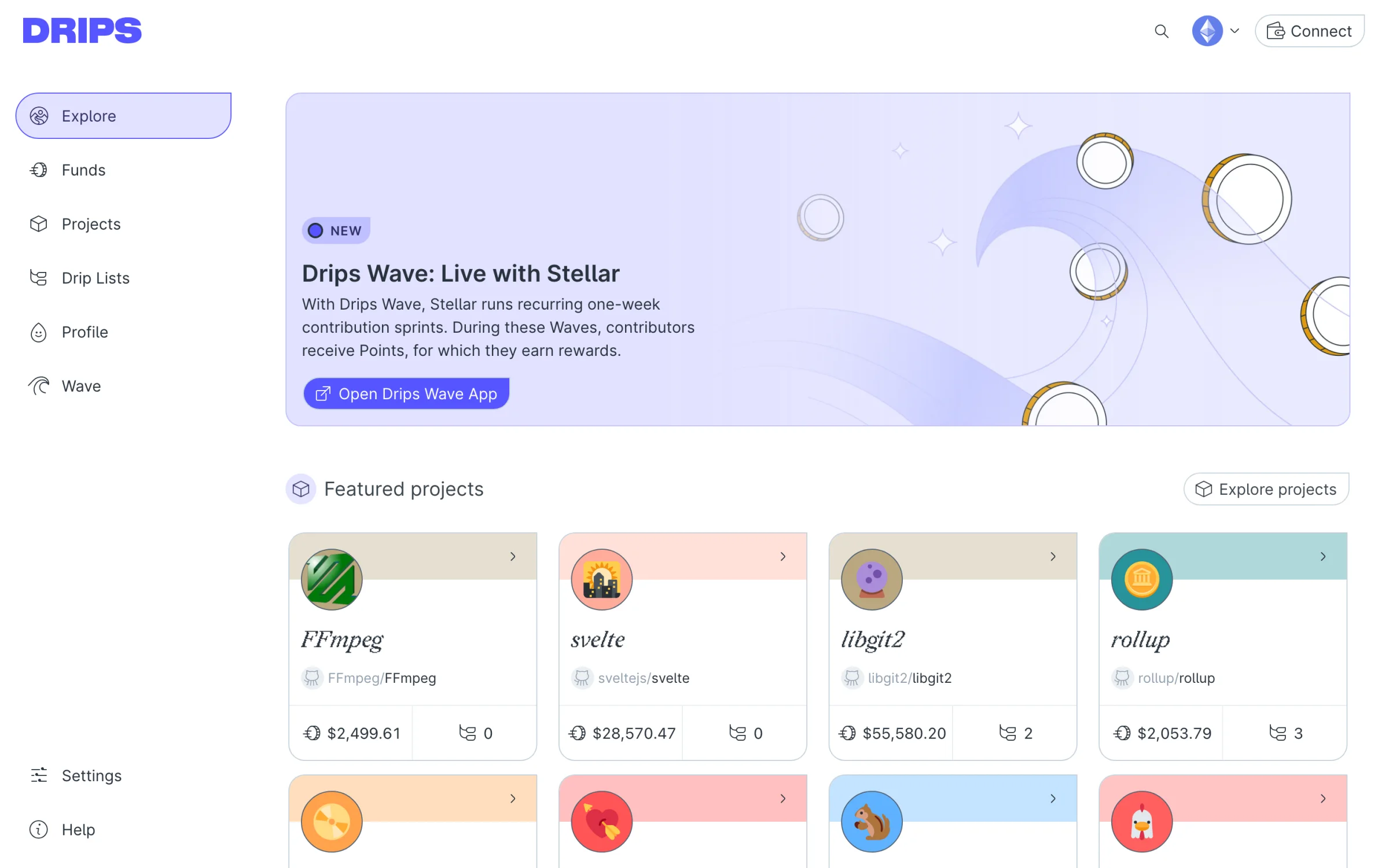
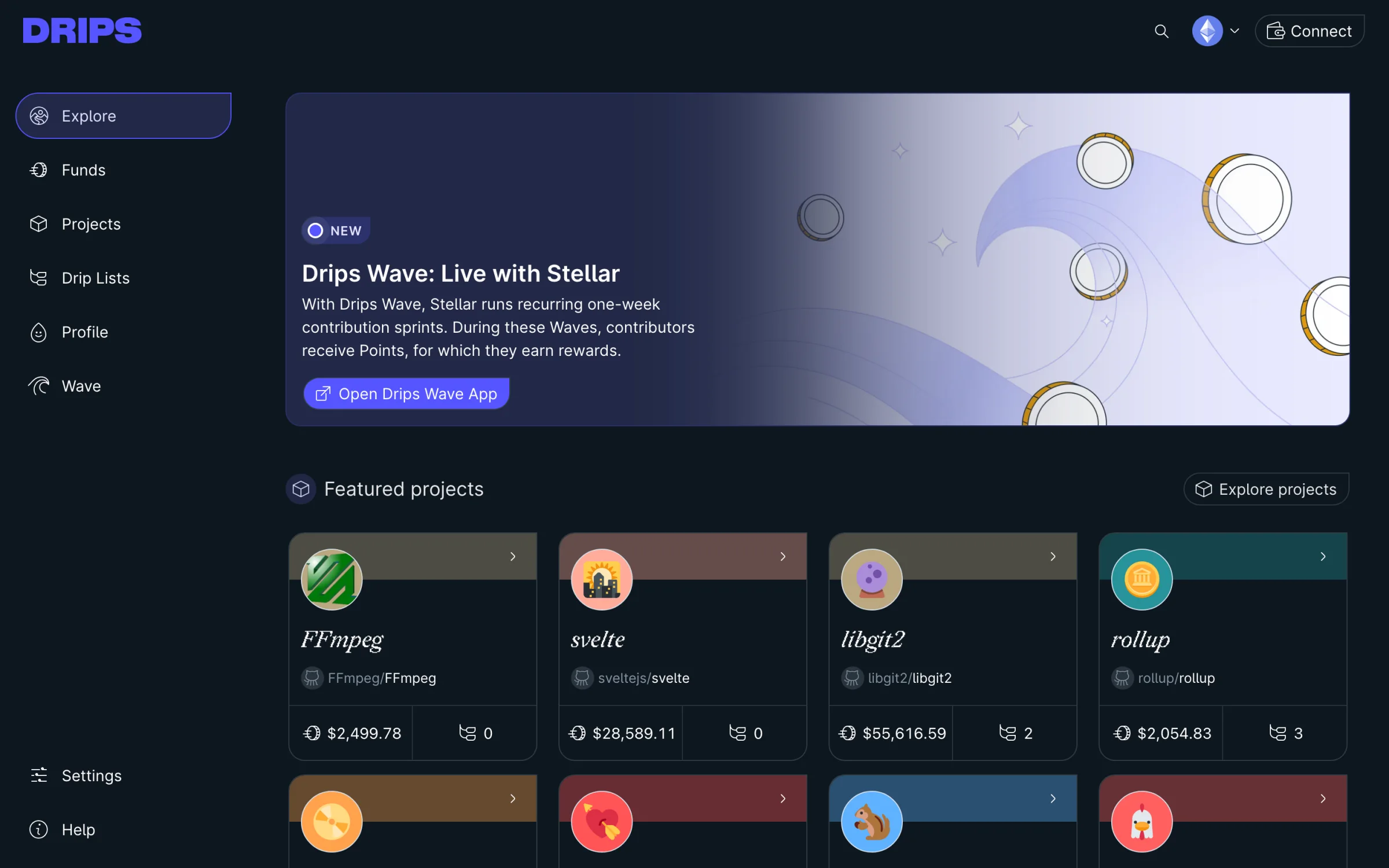
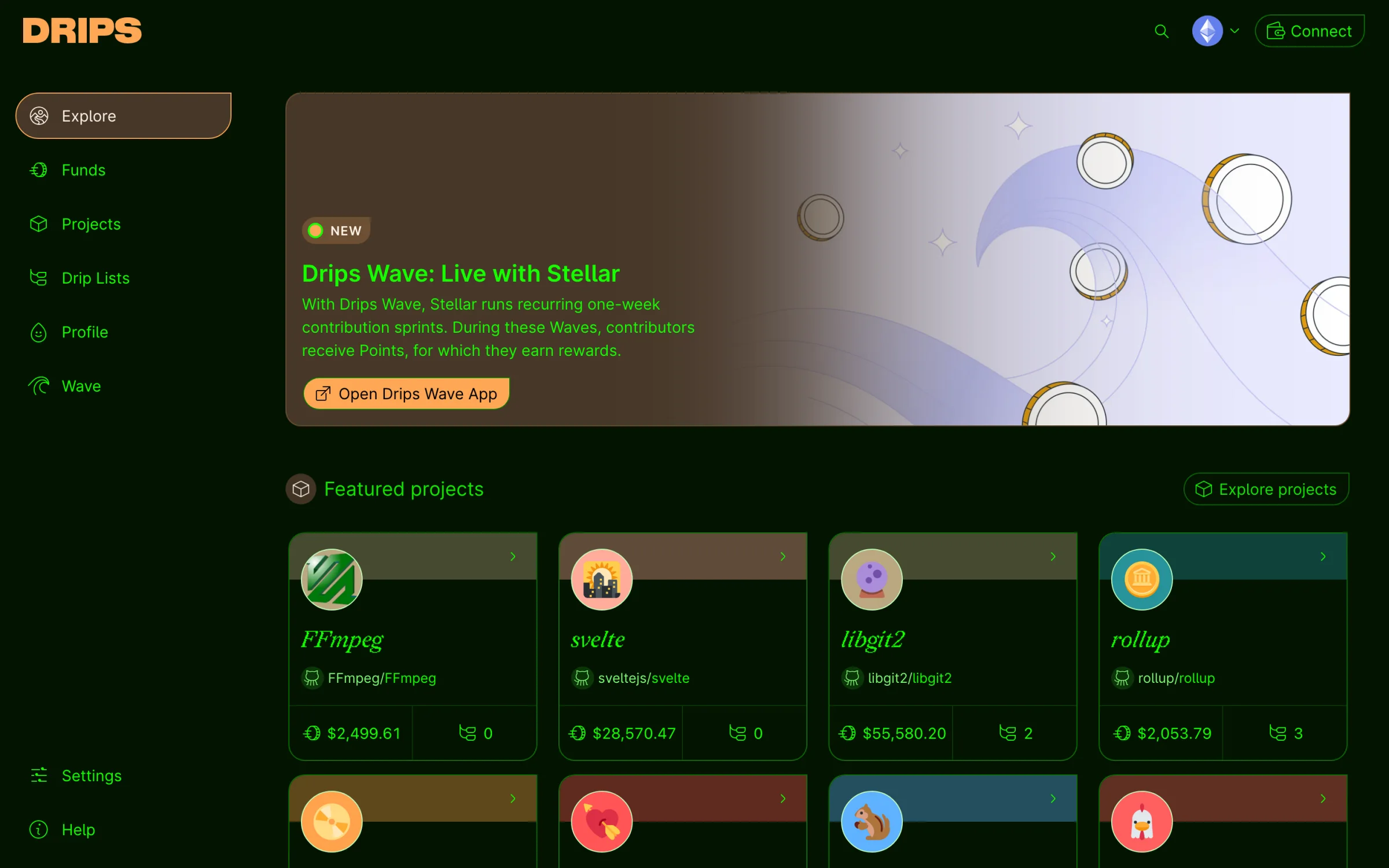
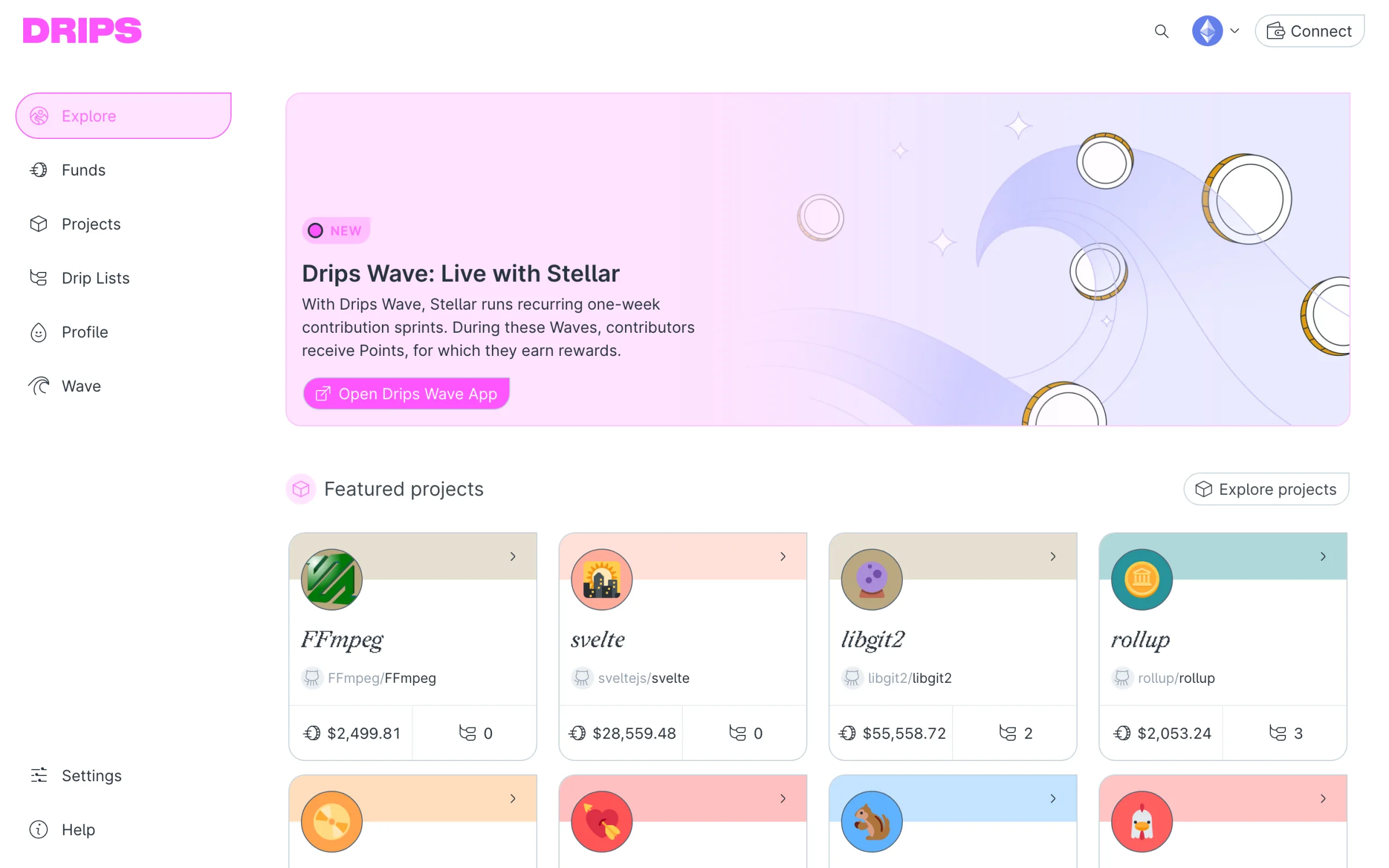
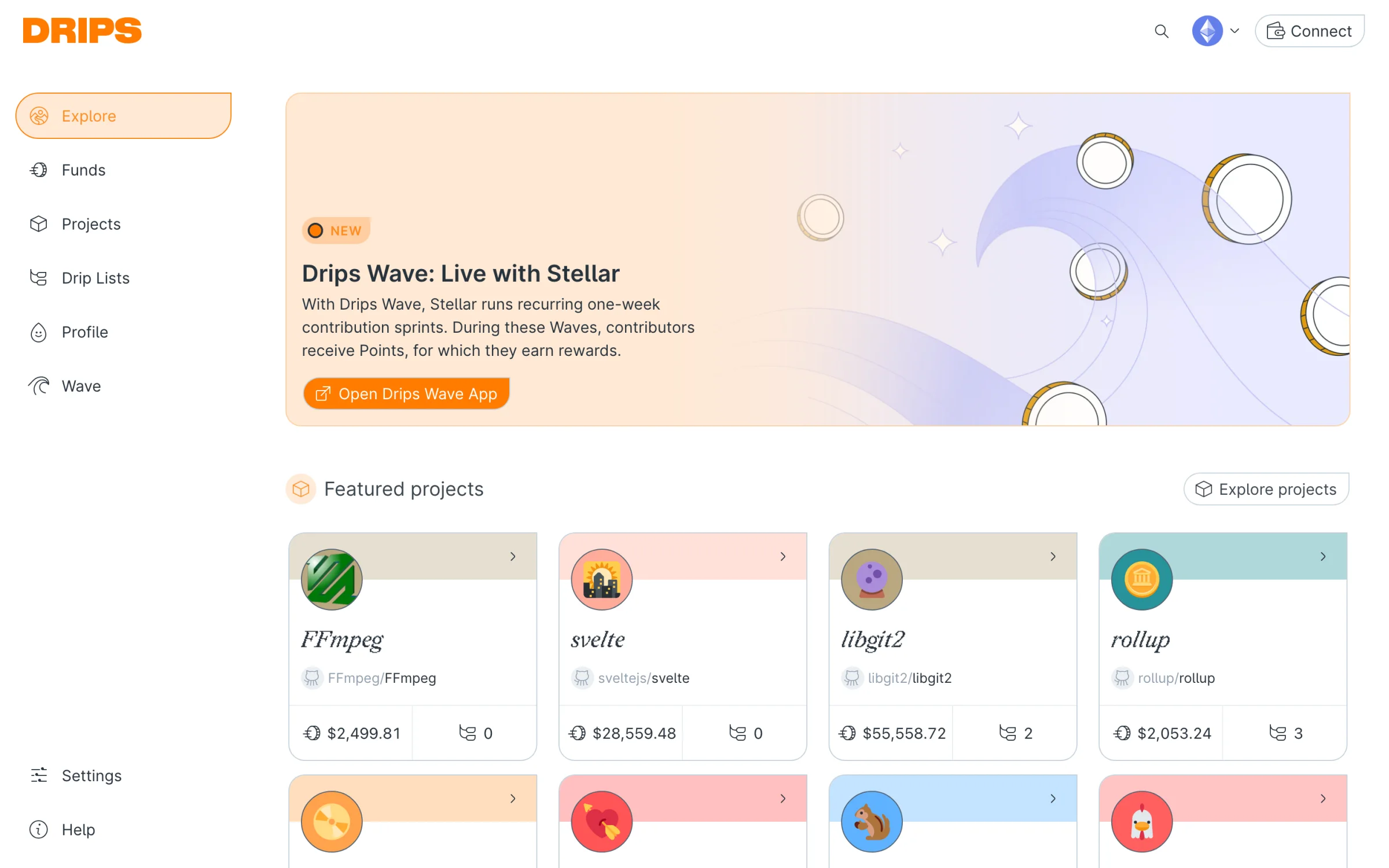
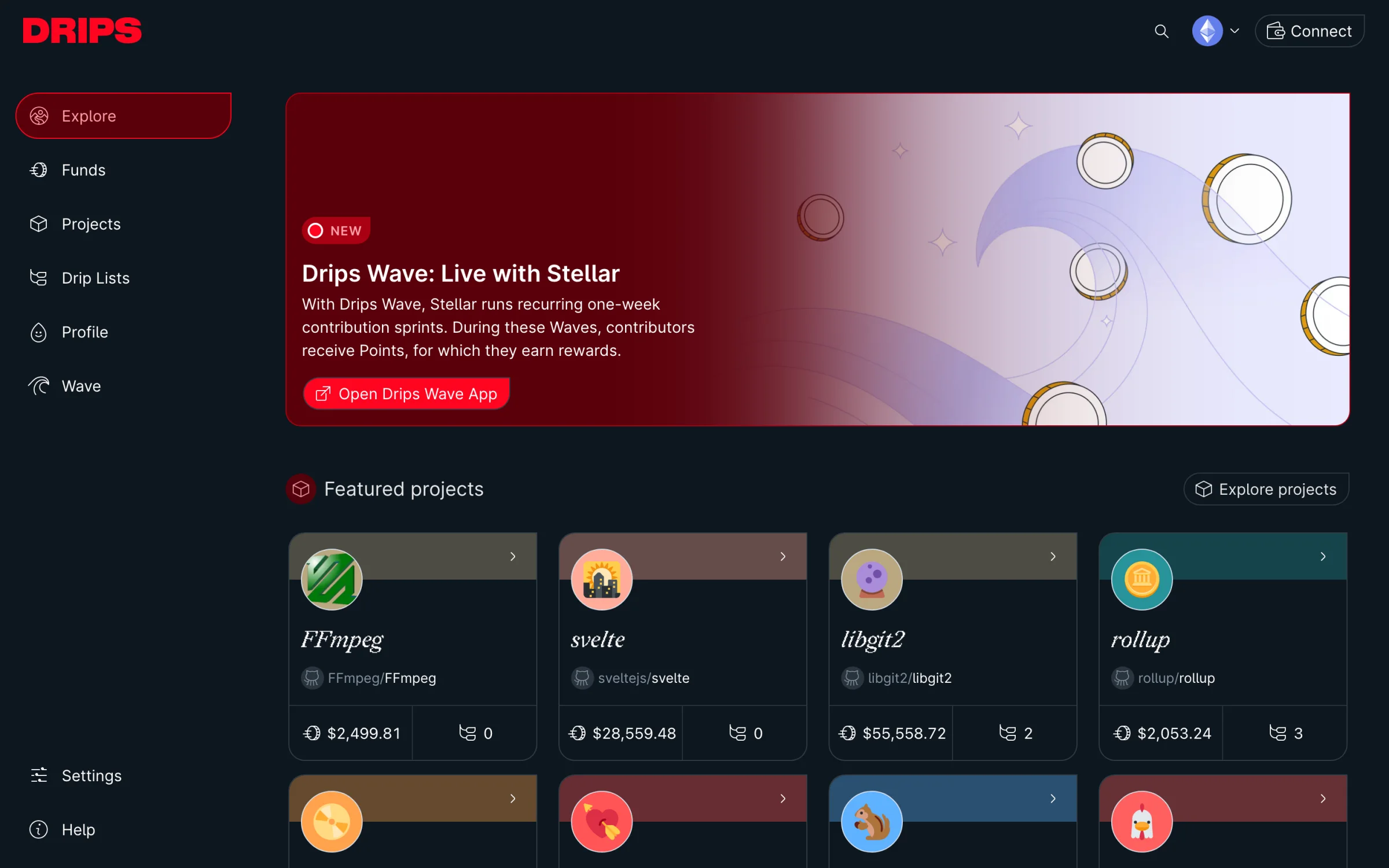
Because every component asks for a token and never a hex value, a theme is just a different set of values. Drips has three: light, dark, and h4x0r, a green-on-black terminal theme. On top of that you can choose a primary color. A small script runs before the page paints, reads your choices and sets them on the page, so there’s never a flash of the wrong theme.
Project colors
Themes are global, but Drips also lets each project bring its own color. When you claim a project you pick an emoji and one of fifteen colors, and the project’s card, avatar, badge and page are themed with it. Hover a card to cycle its color; it works in every theme above.
$2,4994$28,57012$55,5802$2,0533Website
The landing page is decorated with an animated interpretation of the Drips funding network. It highlights the amount of money flowing on the platform right at the top.
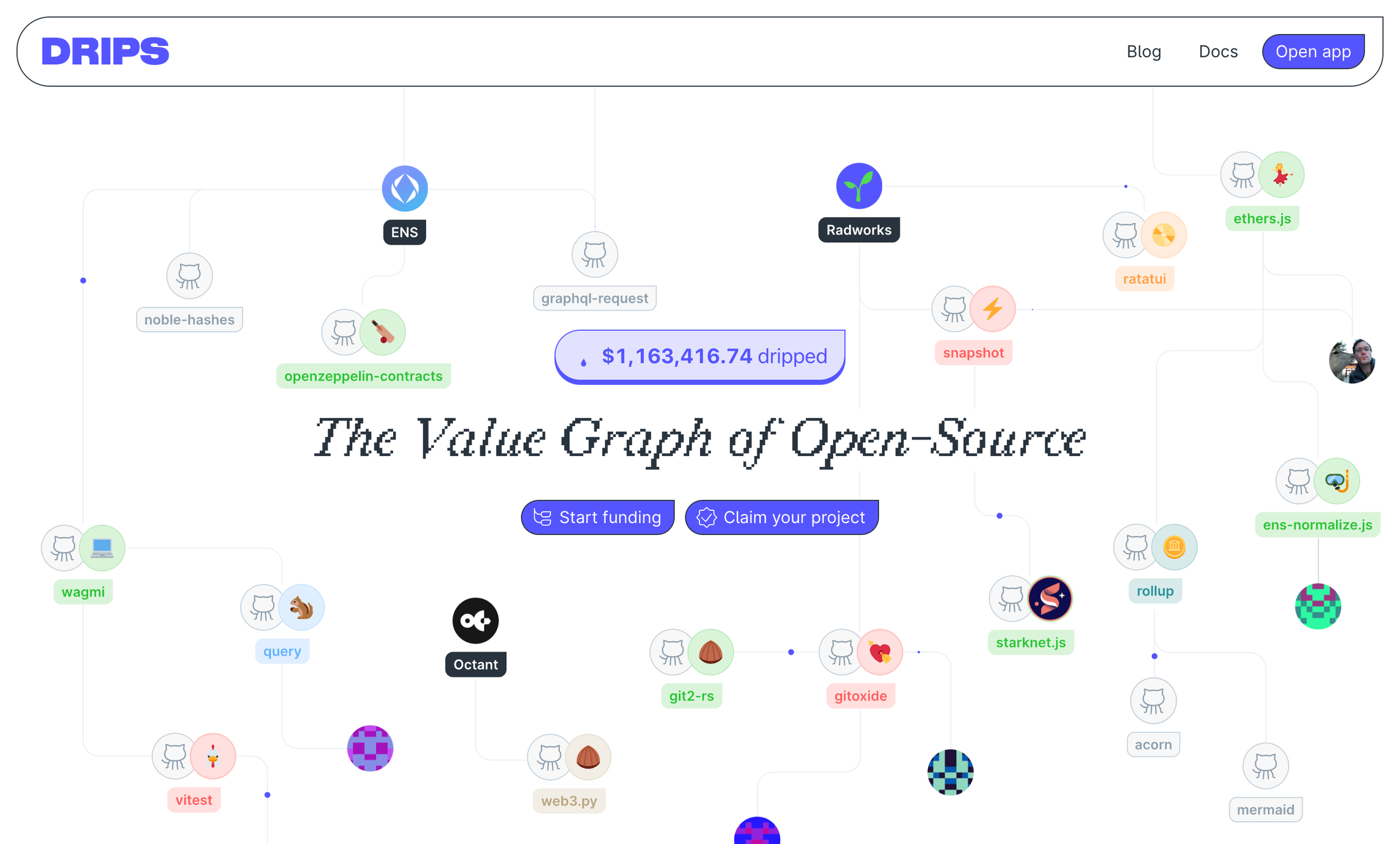
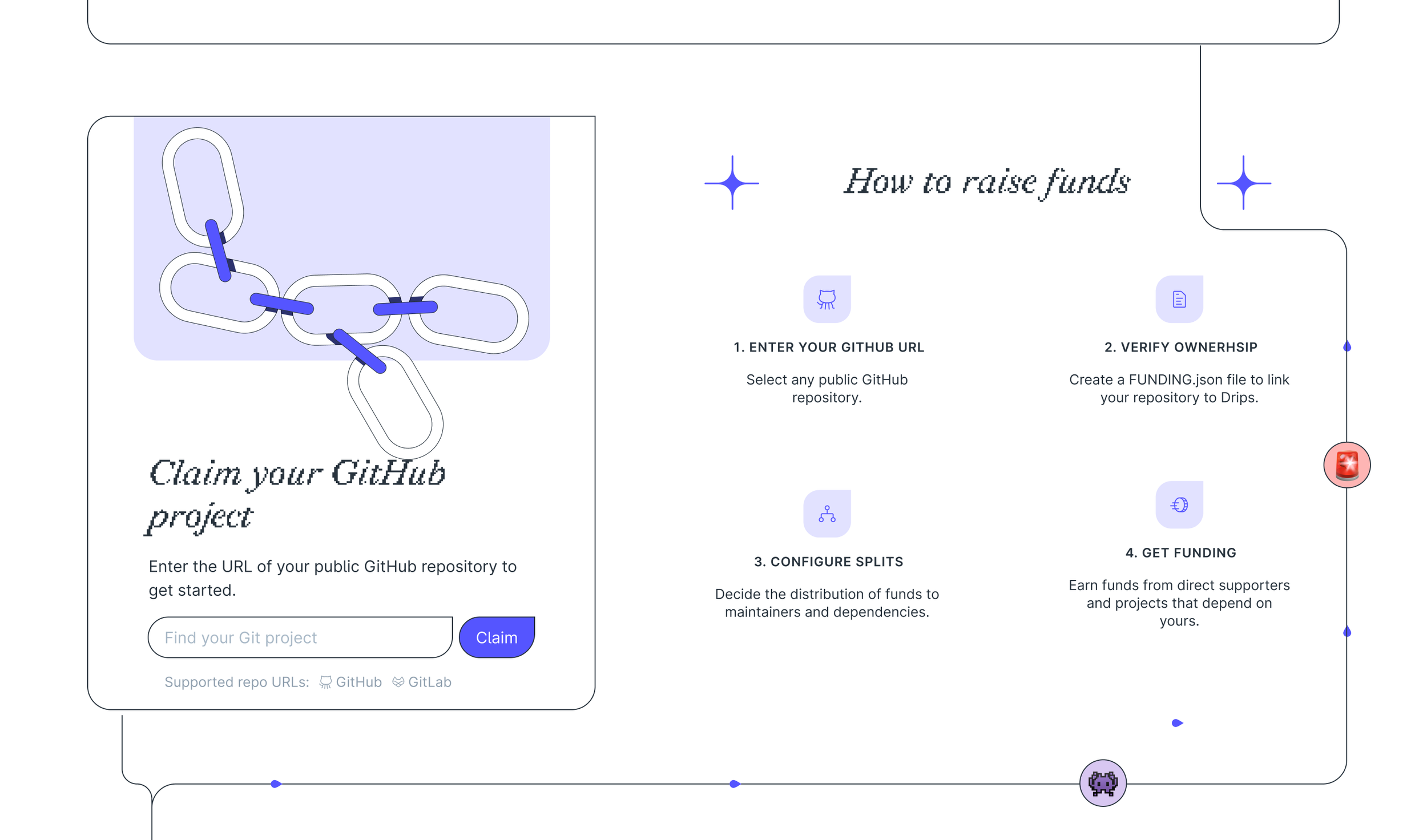
Users are able to claim their GitHub projects easily by just entering the GitHub URL which sends them directly into a claim flow in the app.
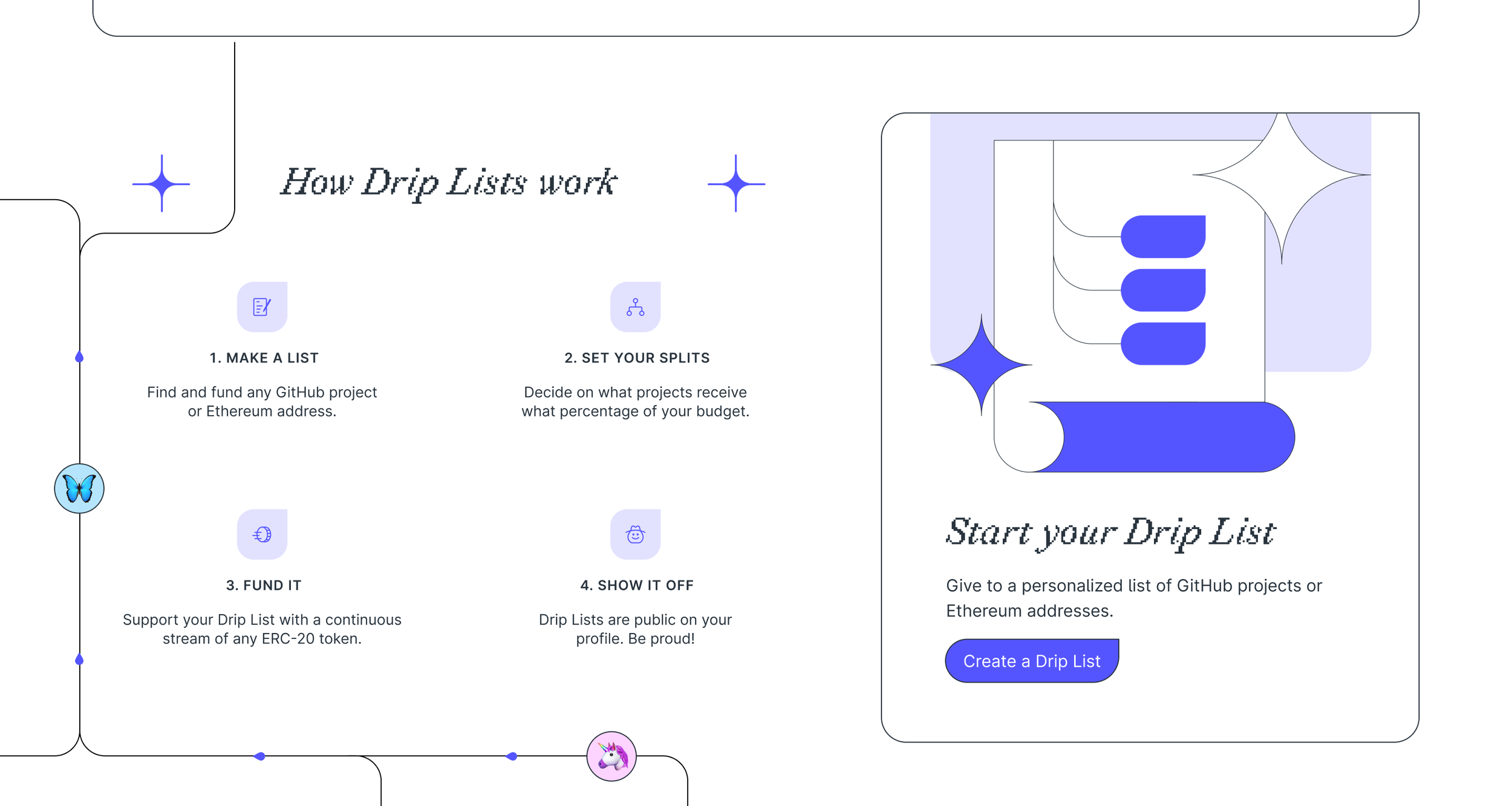
Based on existing lists that circulate in developer communities, Drips introduced the idea of funding lists, or Drip Lists. They’re easy collaborative ways to fund lists of projects and developers in the open source community.
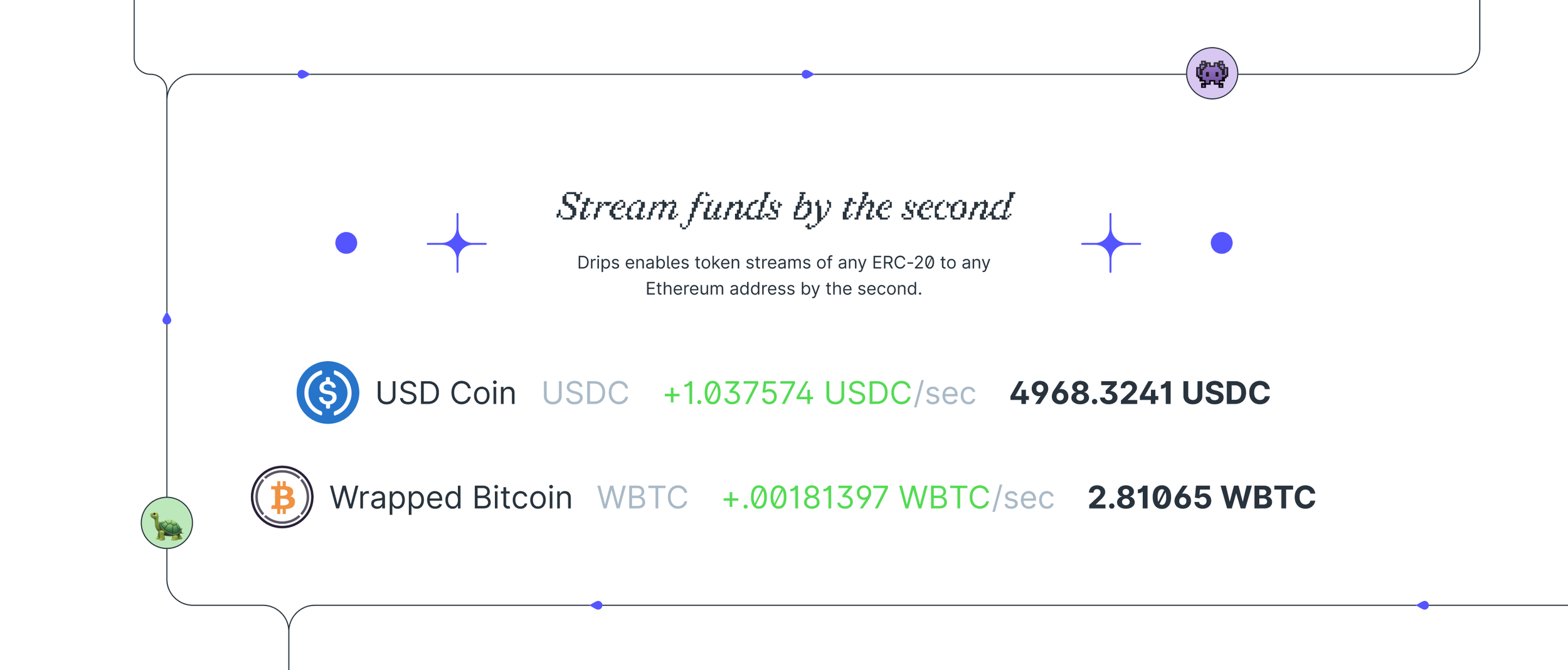
One of the major innovations of Drips is the idea of streaming money. Any money streamed on Drips is streamed in real time.
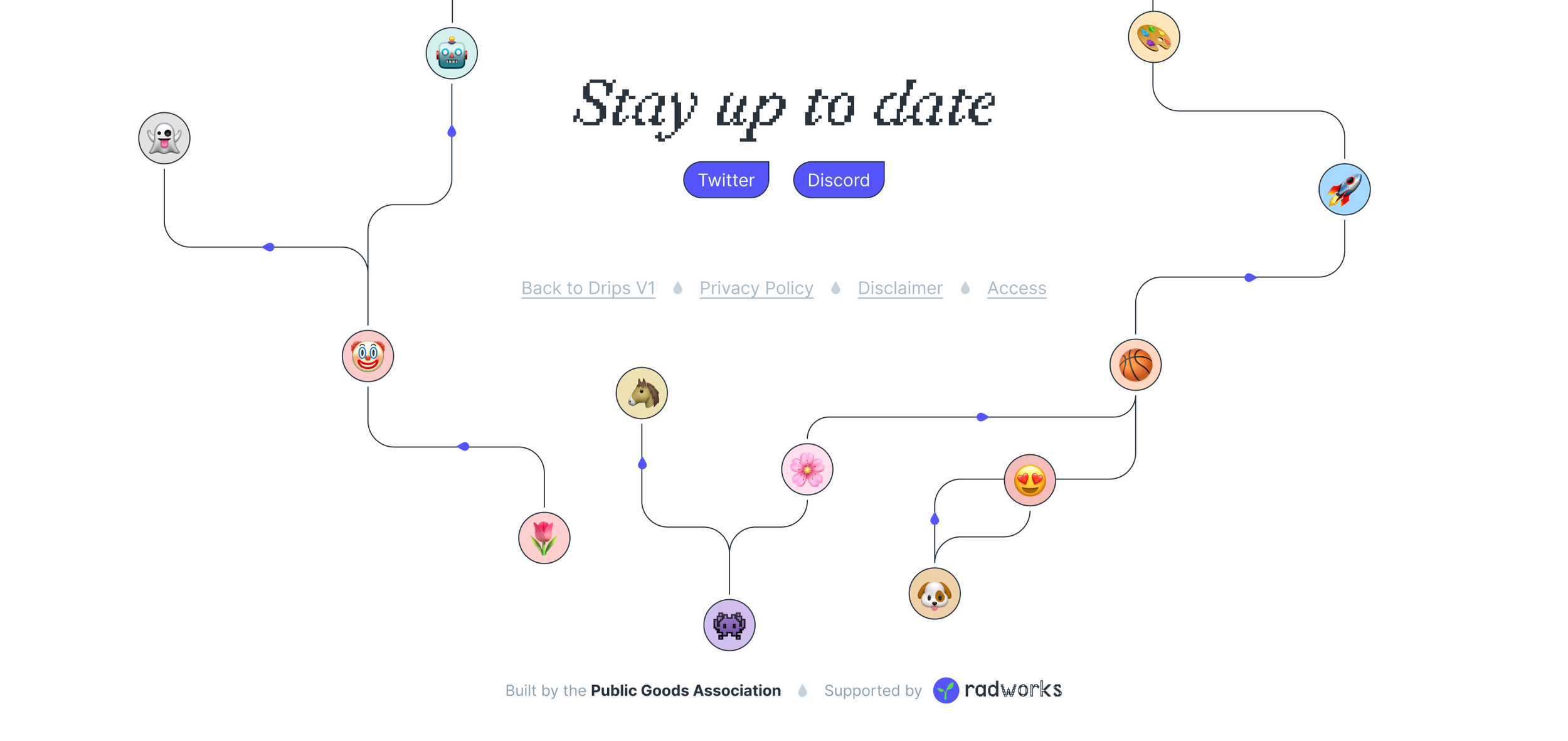
And of course, the Drips network funding illustration continues to the end of the footer.
App
It’s not common for a brand and the UI of the corresponding app to be so tightly unified in style. Often you see exciting brands pushing the boundaries of design, but promoting boring looking apps. I don’t believe in that, so the app also uses the controversial brand font, and black outlines for UI elements.
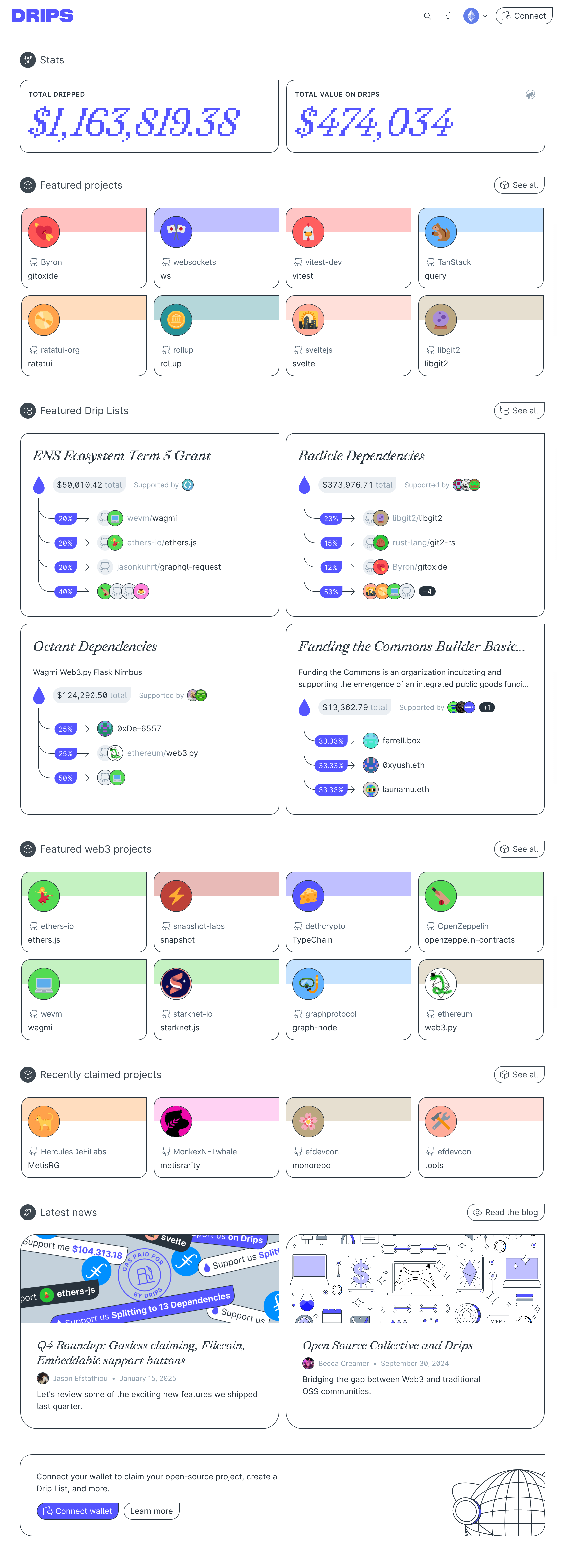
The app first greets you with an explore page. This is a page with live data about money flowing on Drips, latest projects claimed, blog posts, and featured Drip Lists and projects we want to highlight.
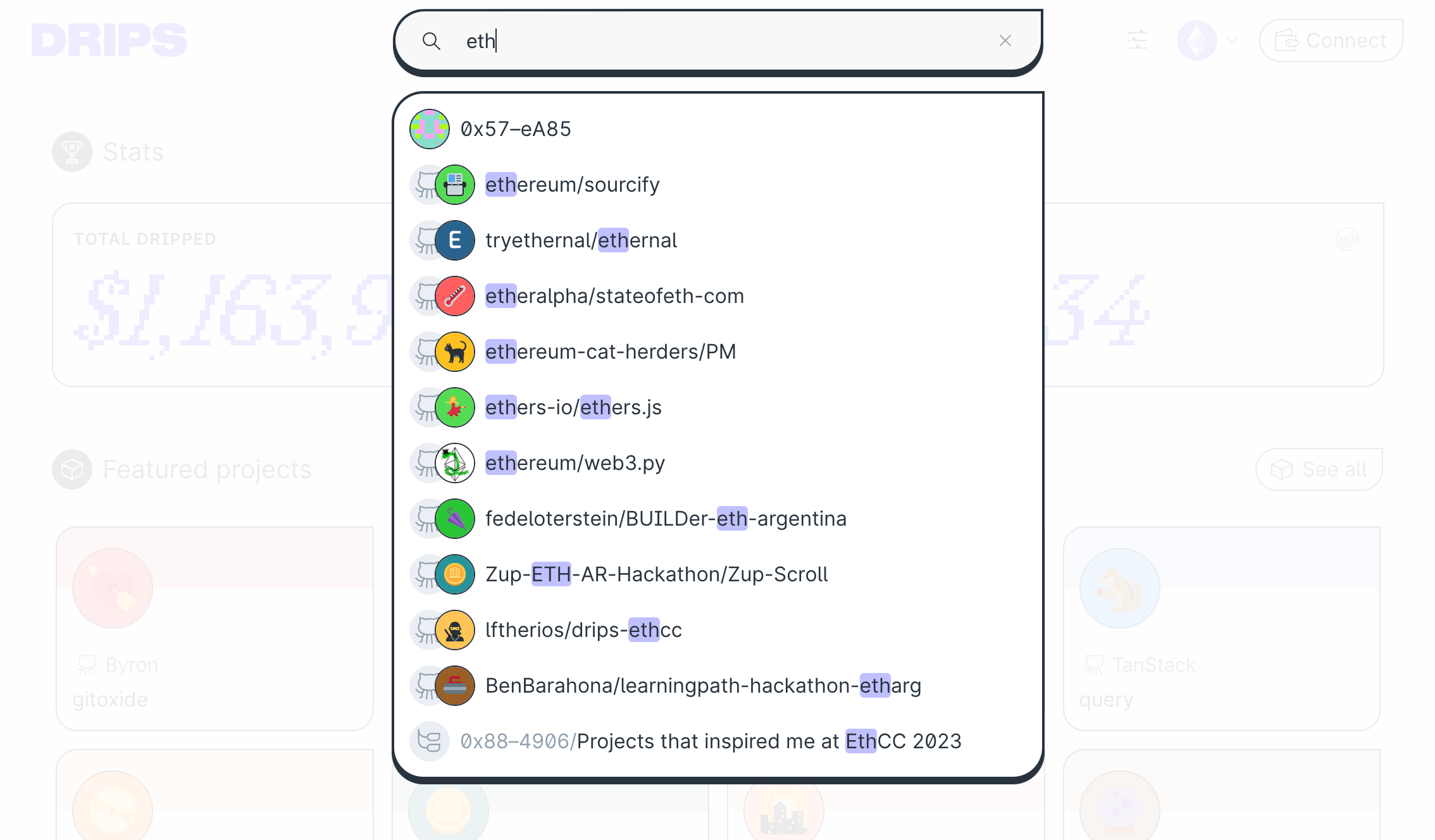
We built a comprehensive search feature that searched all claimed repos and Drip Lists. Basically anything in the Drips ecosystem is searchable.
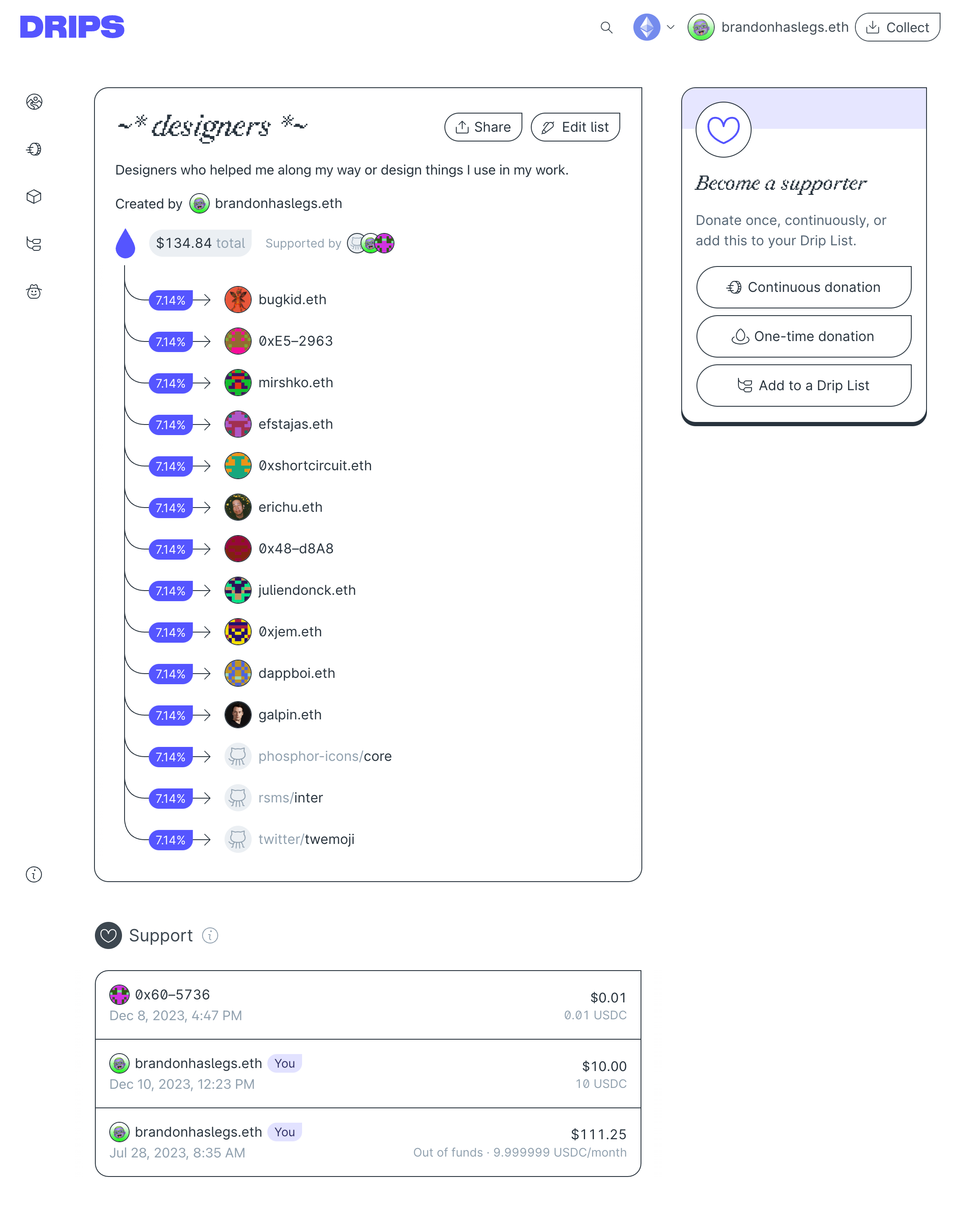
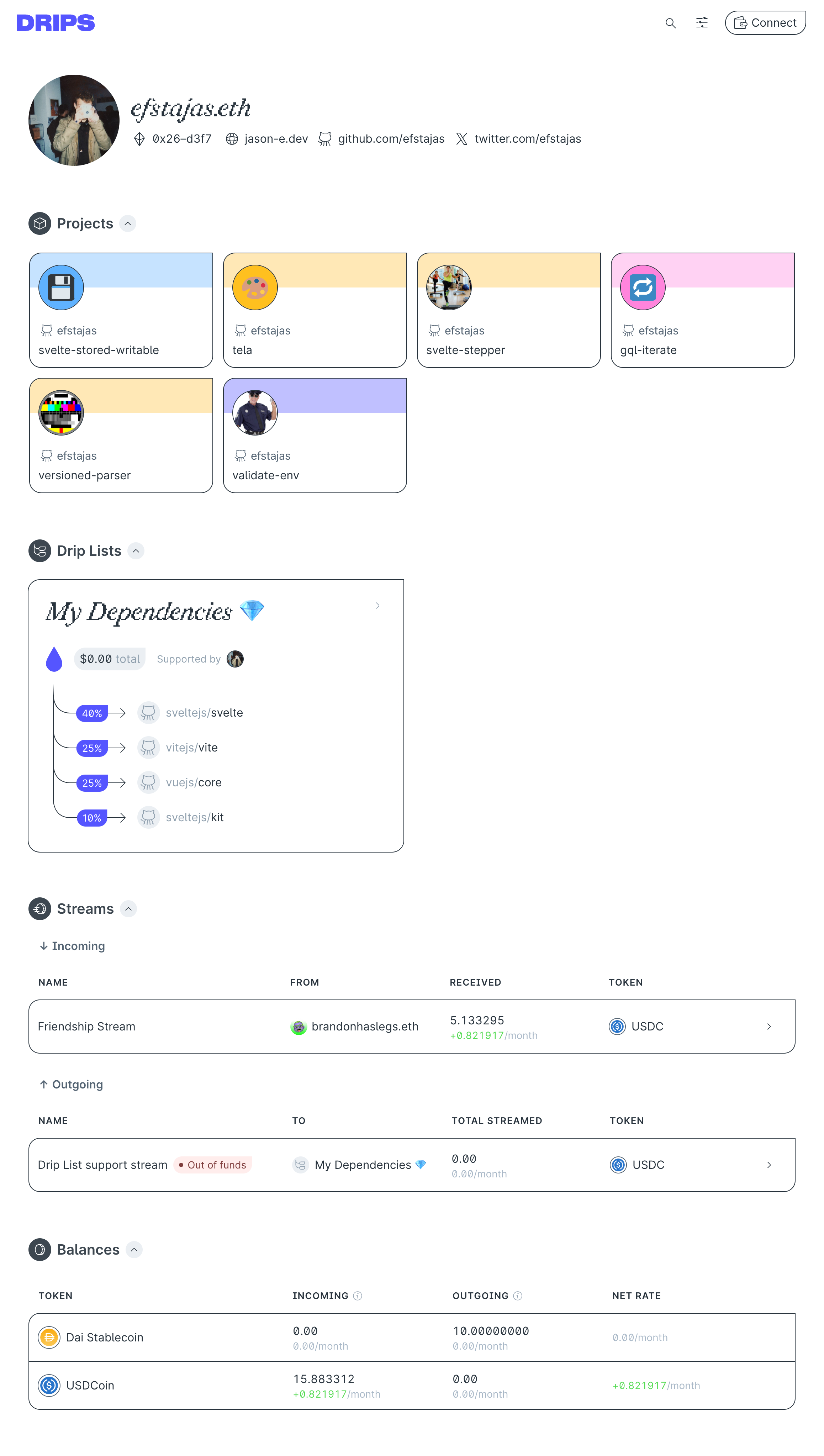
Here’s an example of a Drip List I created. Drip Lists can be fundable lists of anything with an ETH address or a GitHub repo. You can also nest Drip Lists in other Drip Lists. Composability! Imagine the possibilities!
Drip Lists have been used by multiple organizations to distribute millions of funds to all kinds of projects.
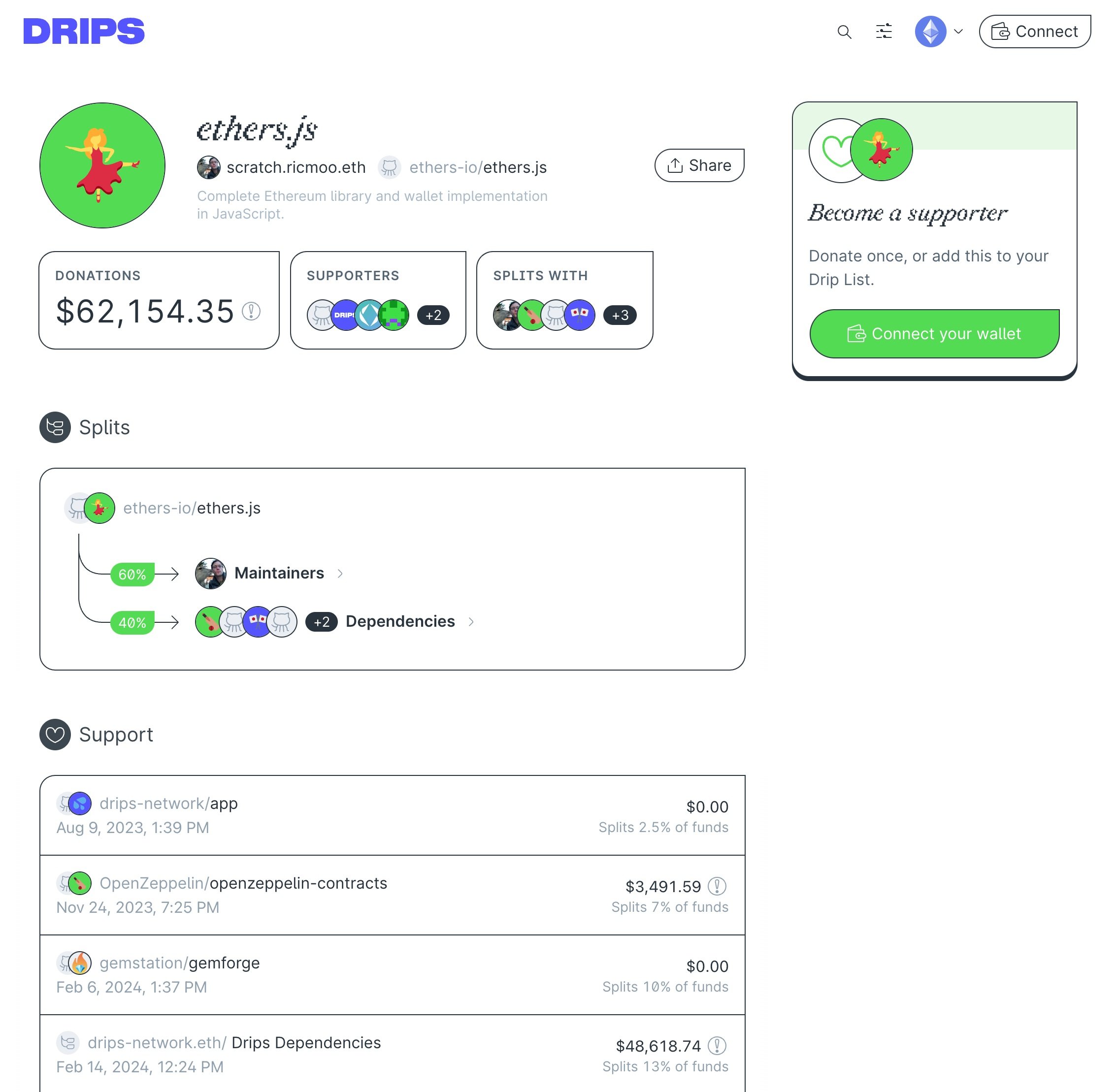
What I love about the app is that it unapologetically has a design point of view, but doesn’t sacrifice usability along the way. In user interviews, people always say the app feels really good and is very easy to use.
Conference materials
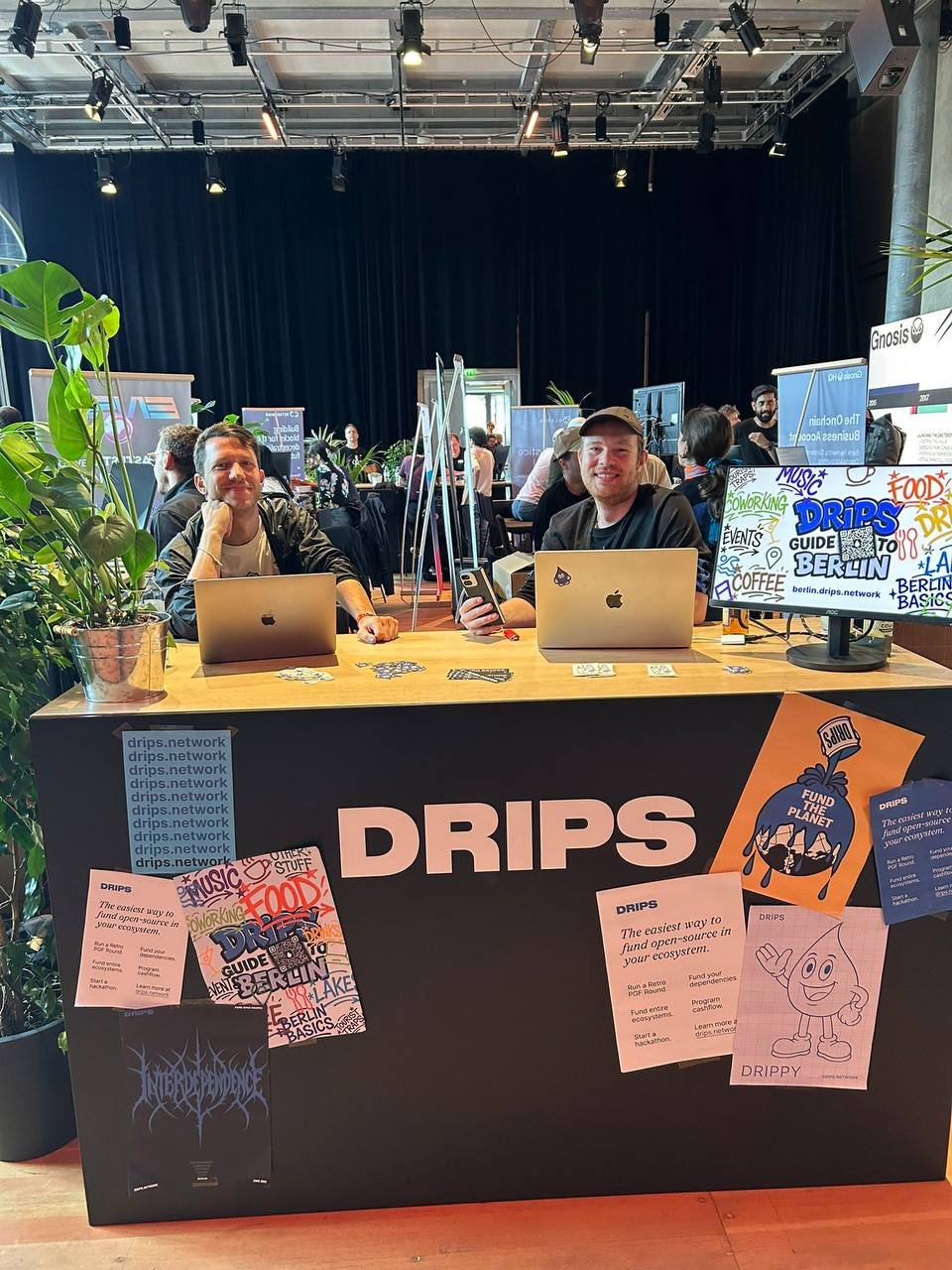
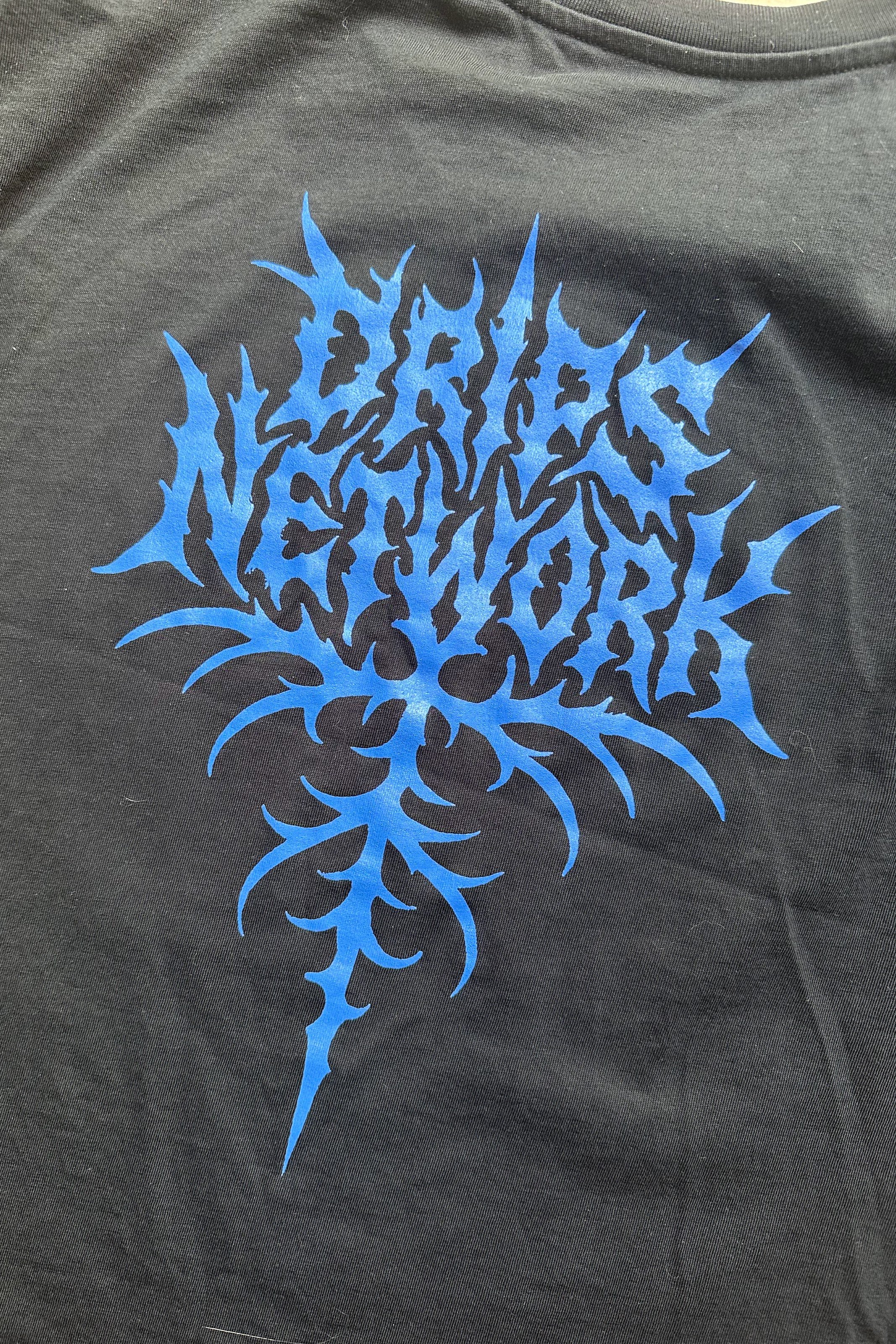
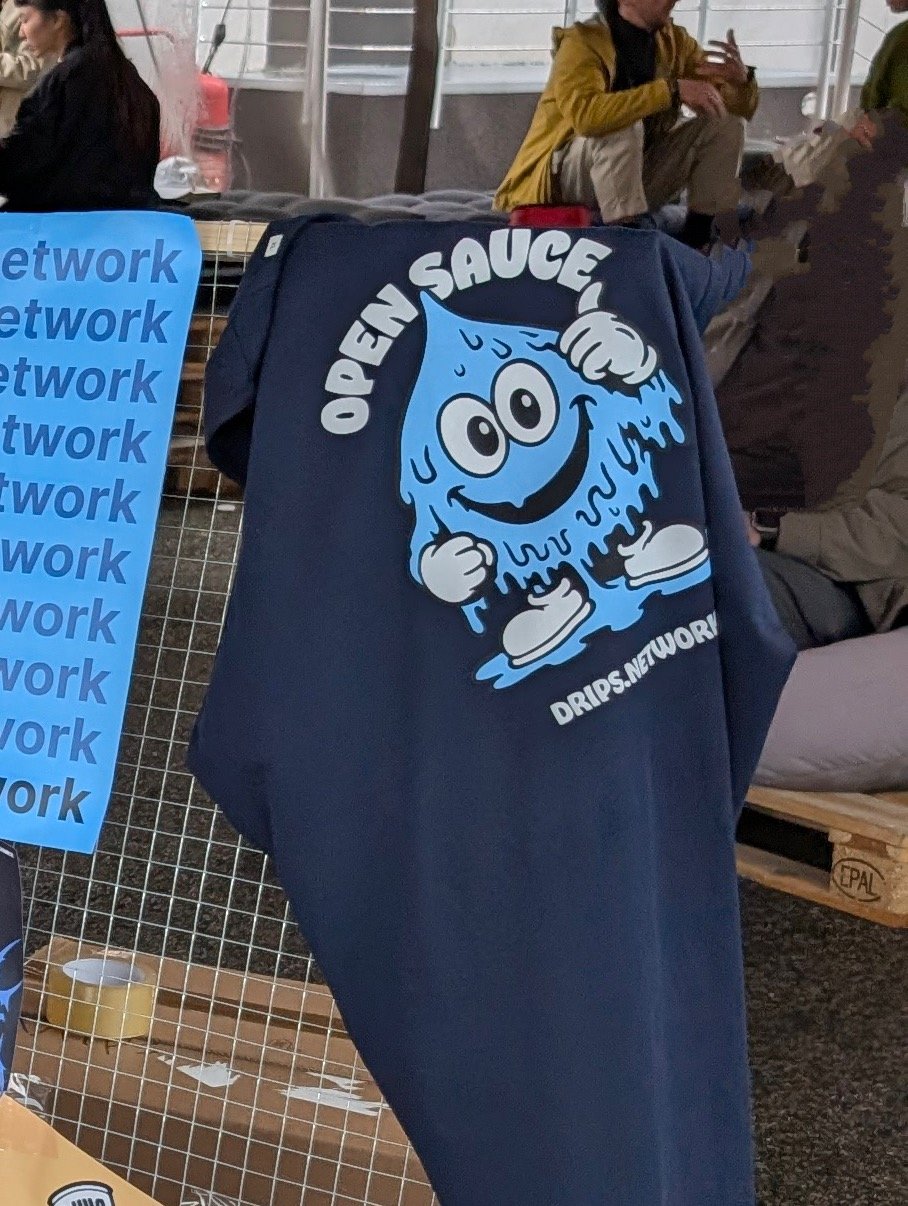
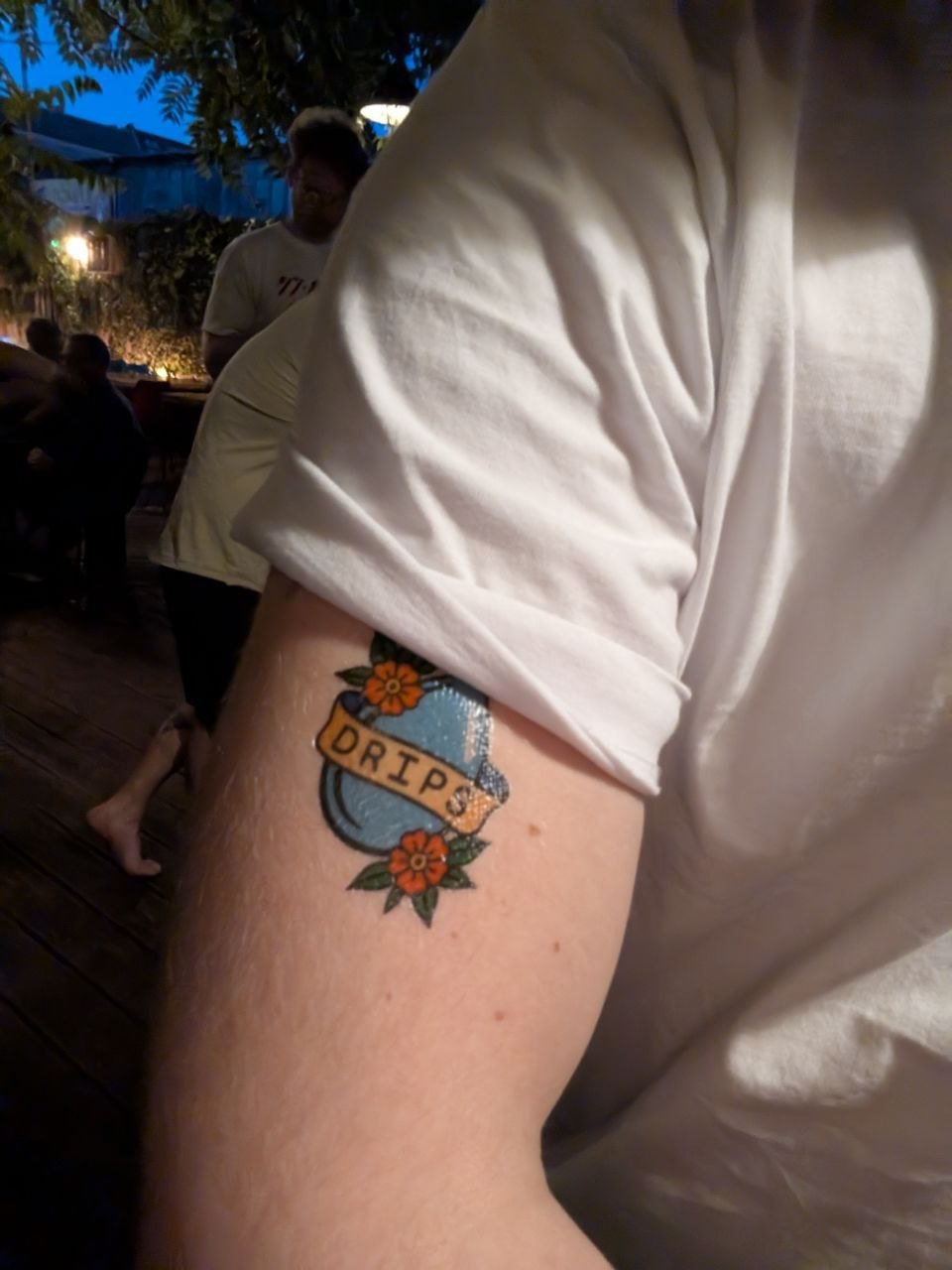
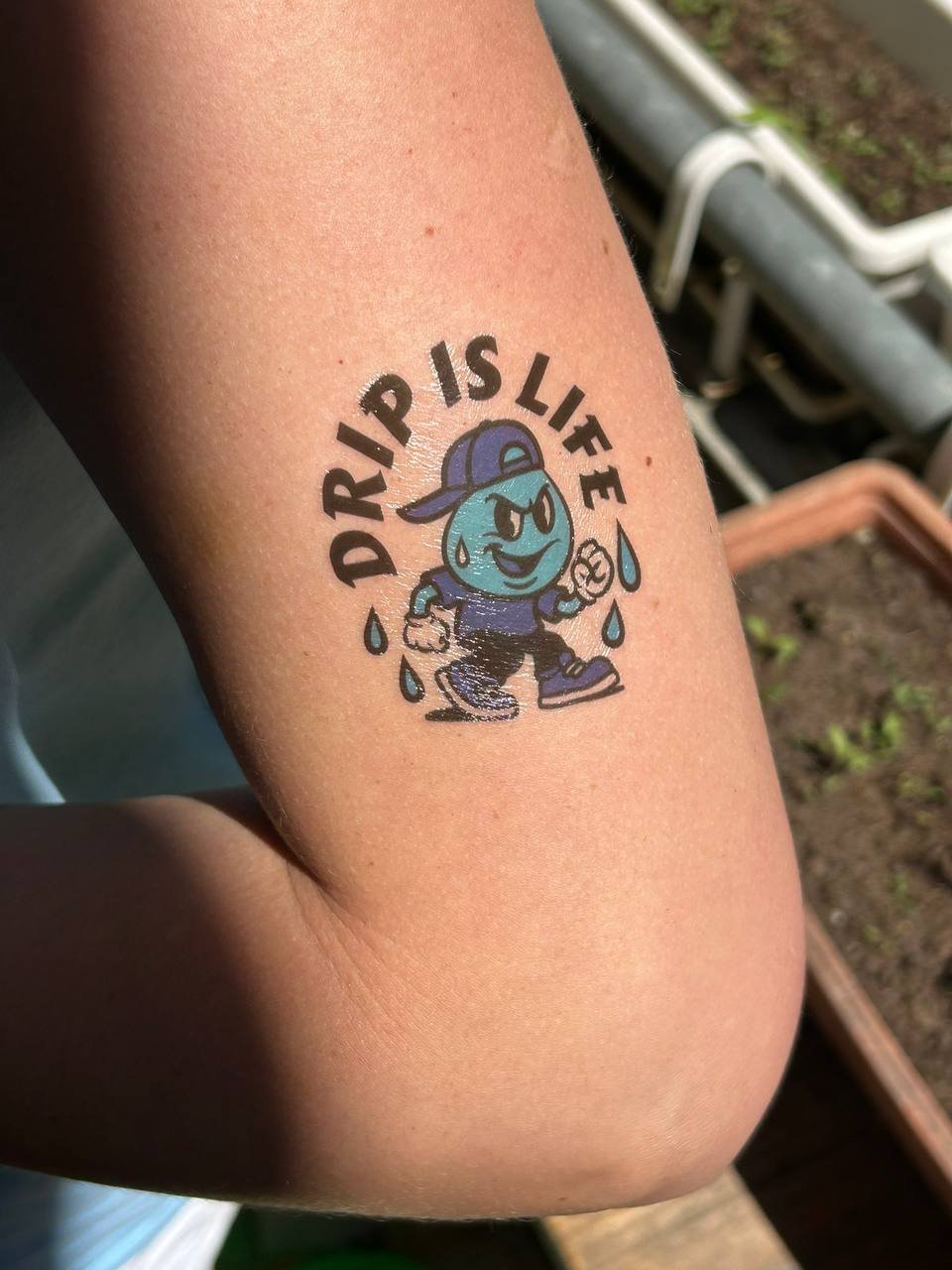
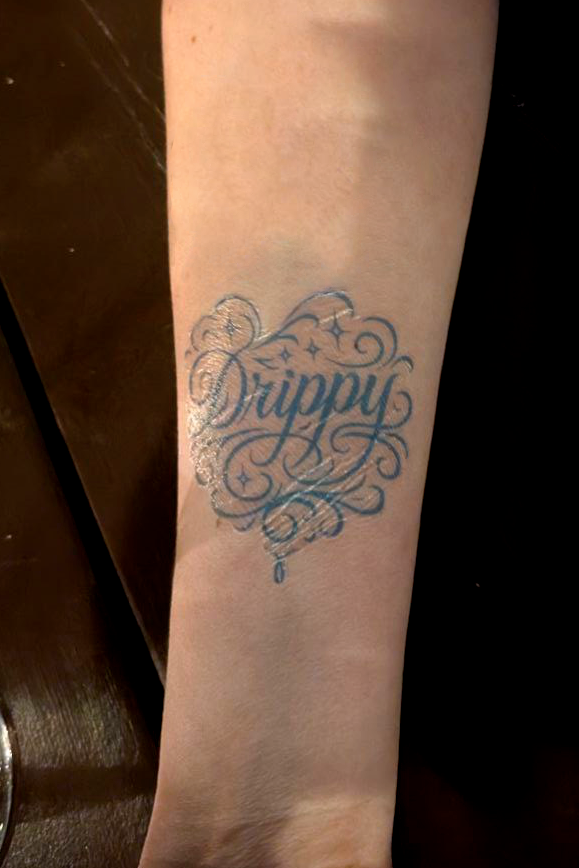
Drips sponsored and is active at many Web3 conferences, so there was always something new to produce for a conference. Fun!
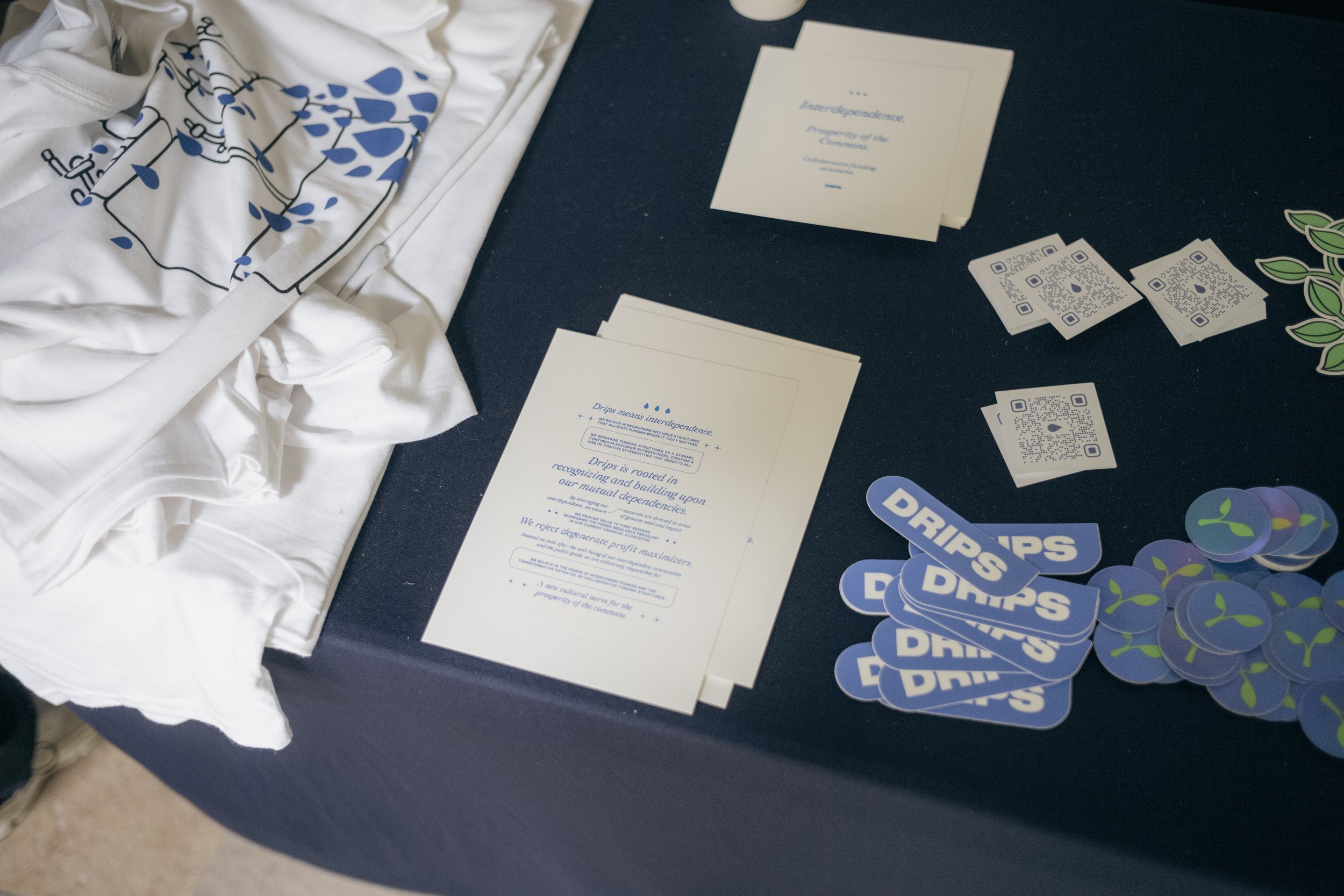
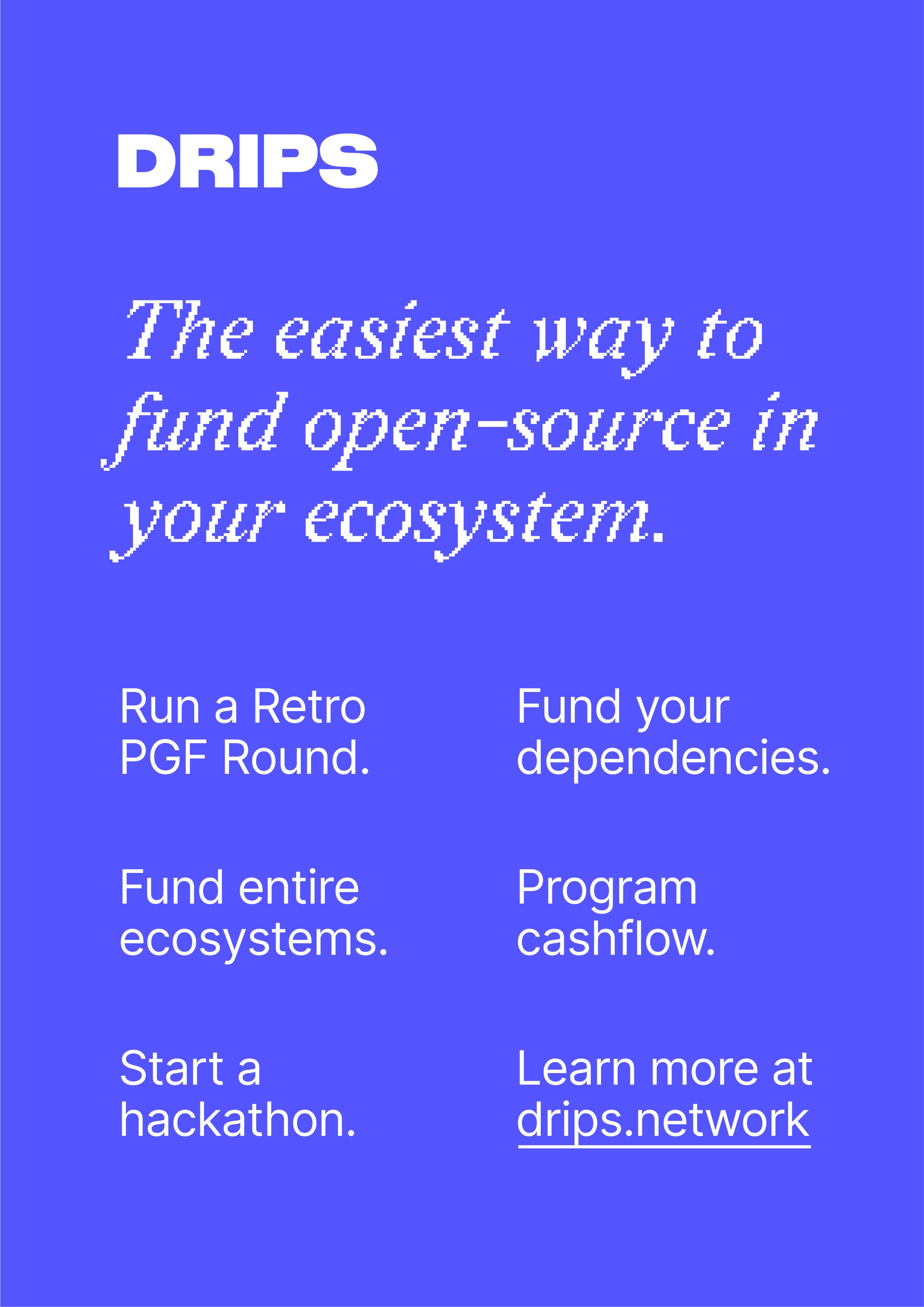
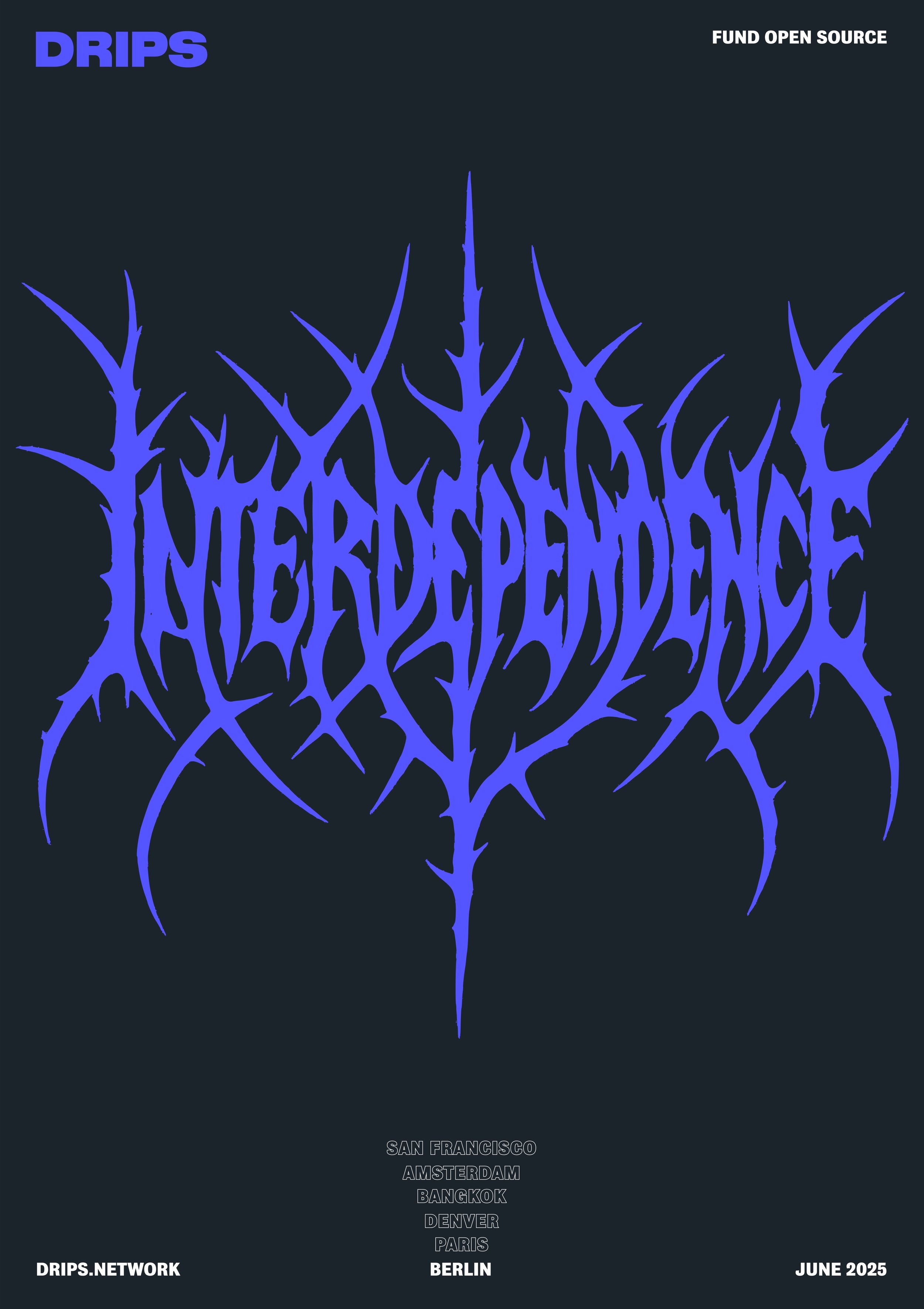
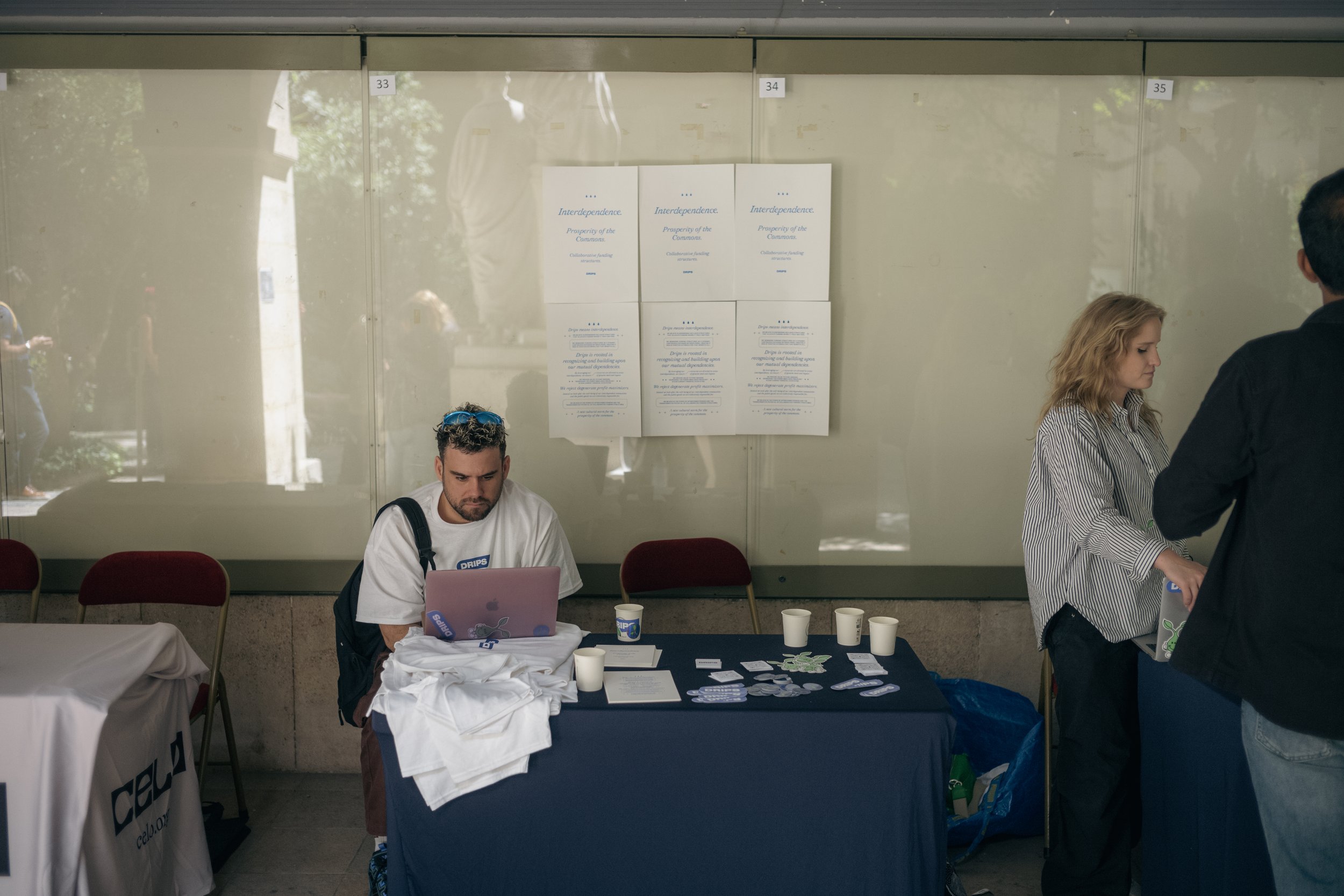
I had posters RISO printed with the Drips manifesto on them.
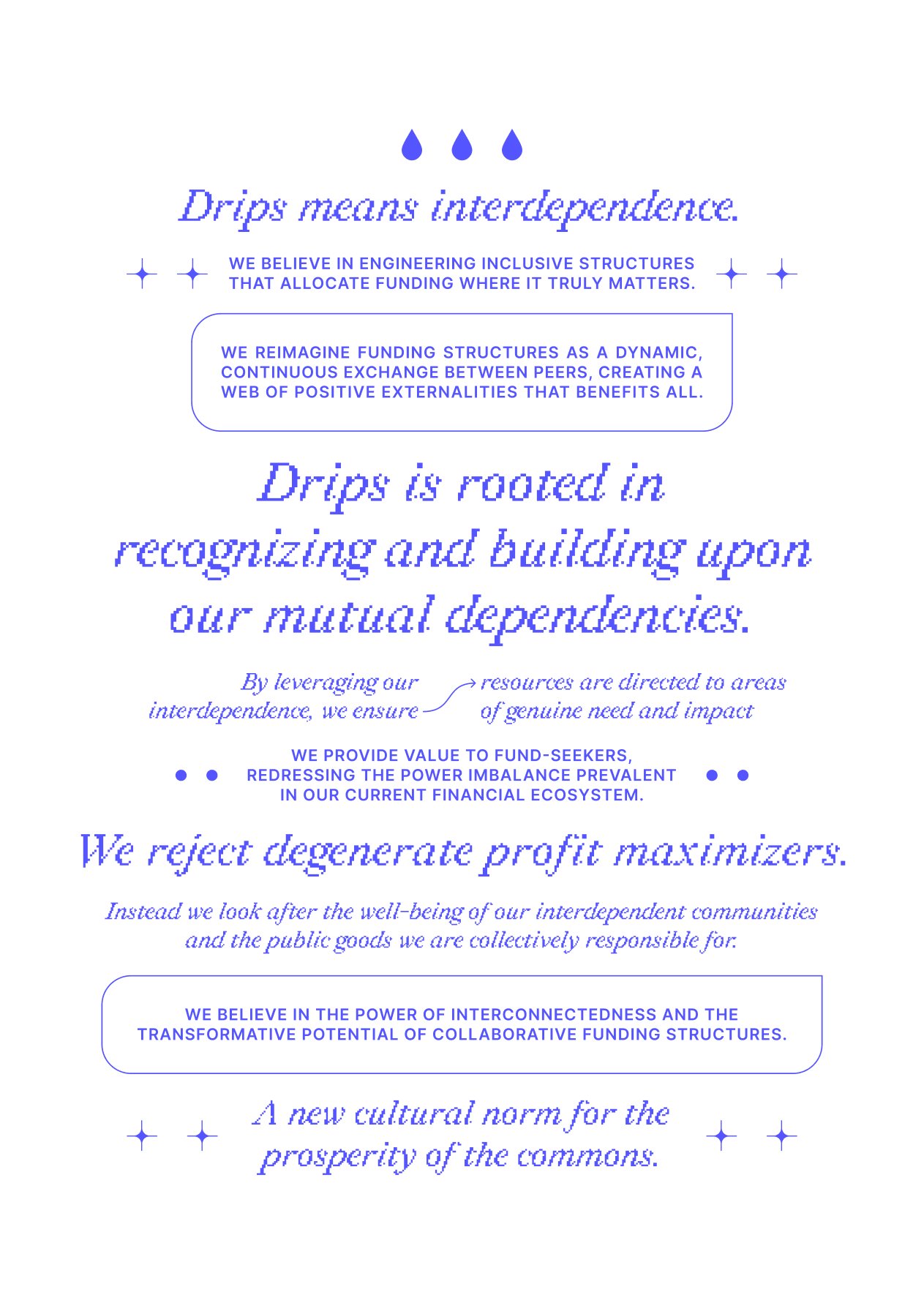
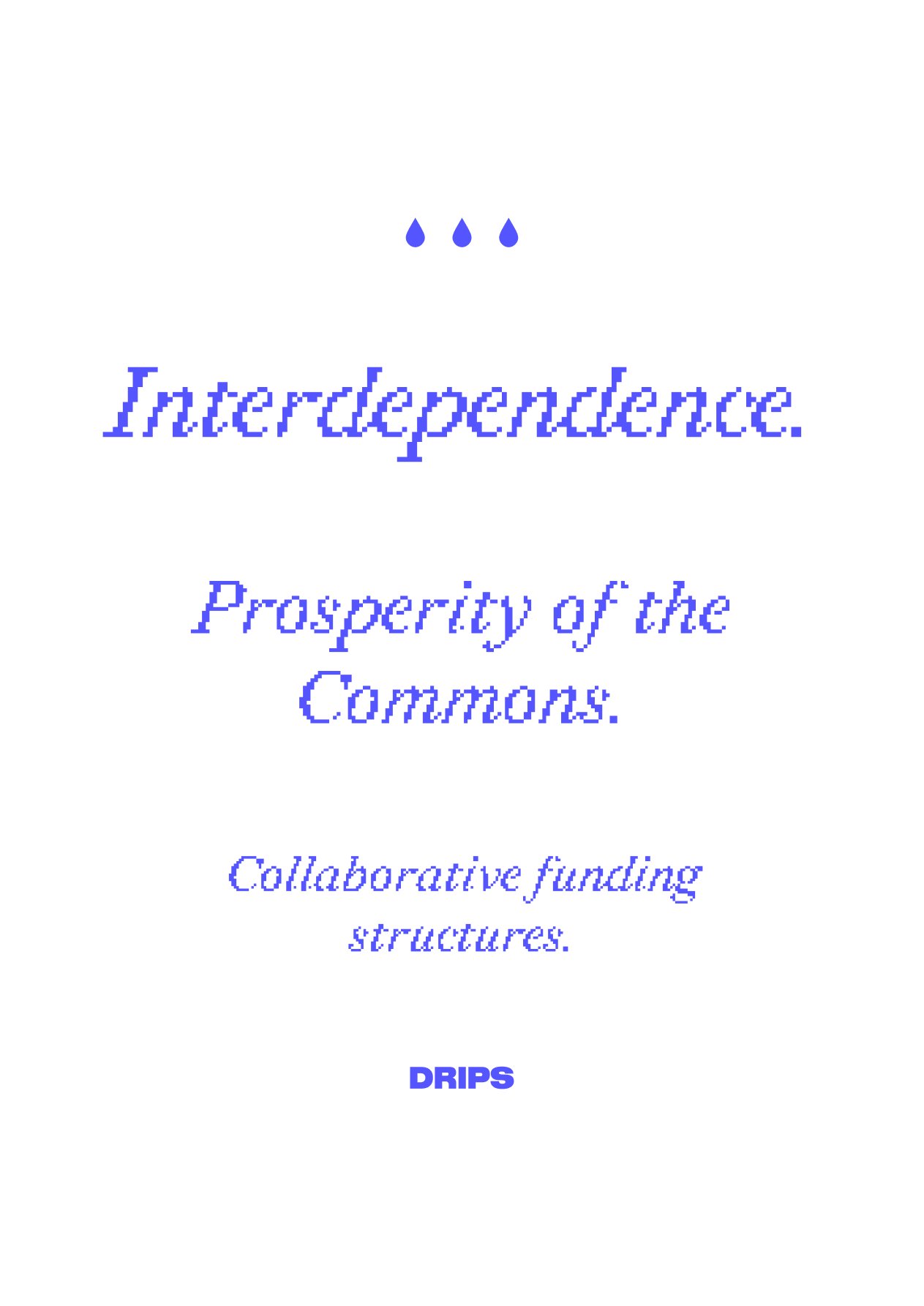
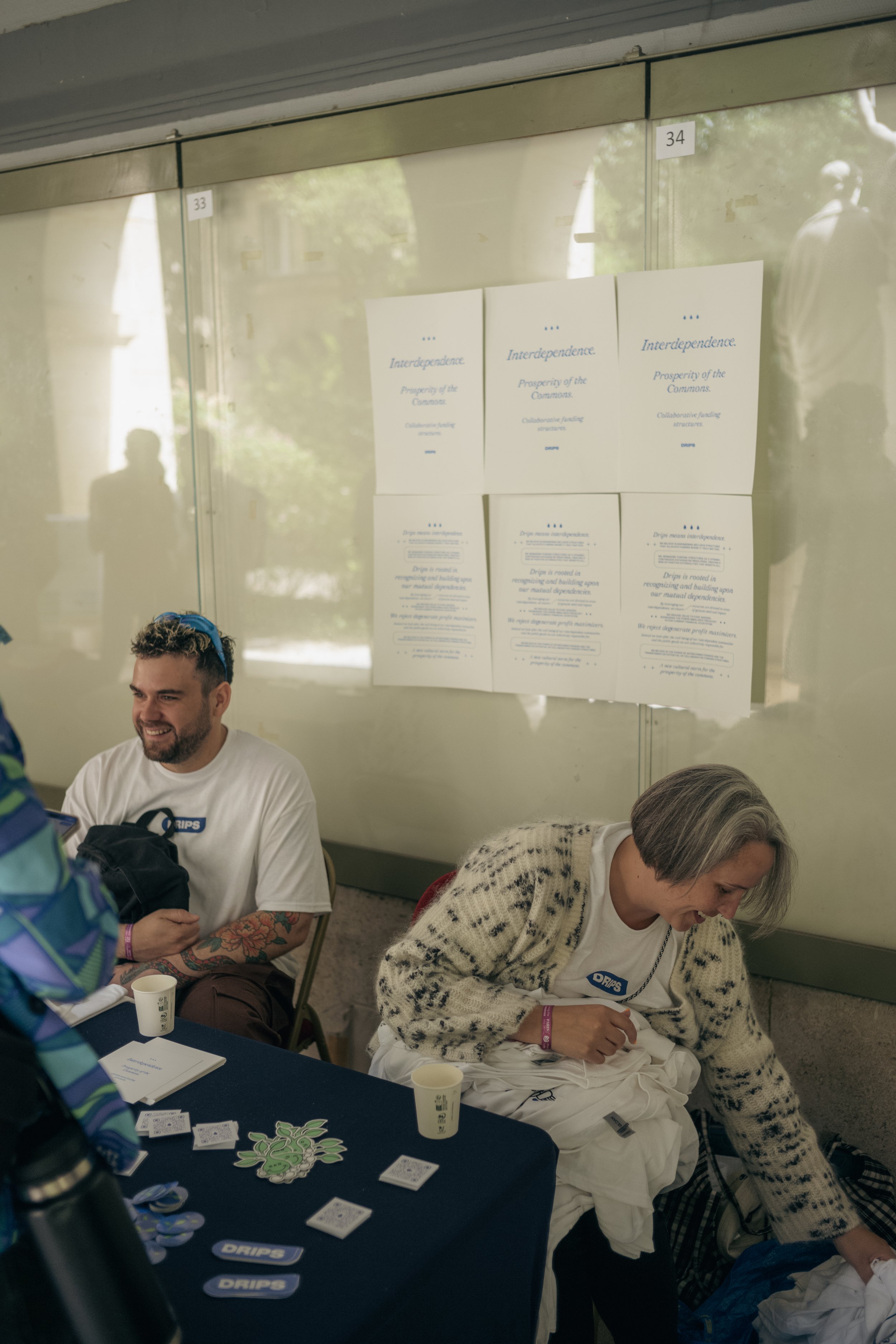
These were used to decorate our table but also could be taken as a kind of art print.
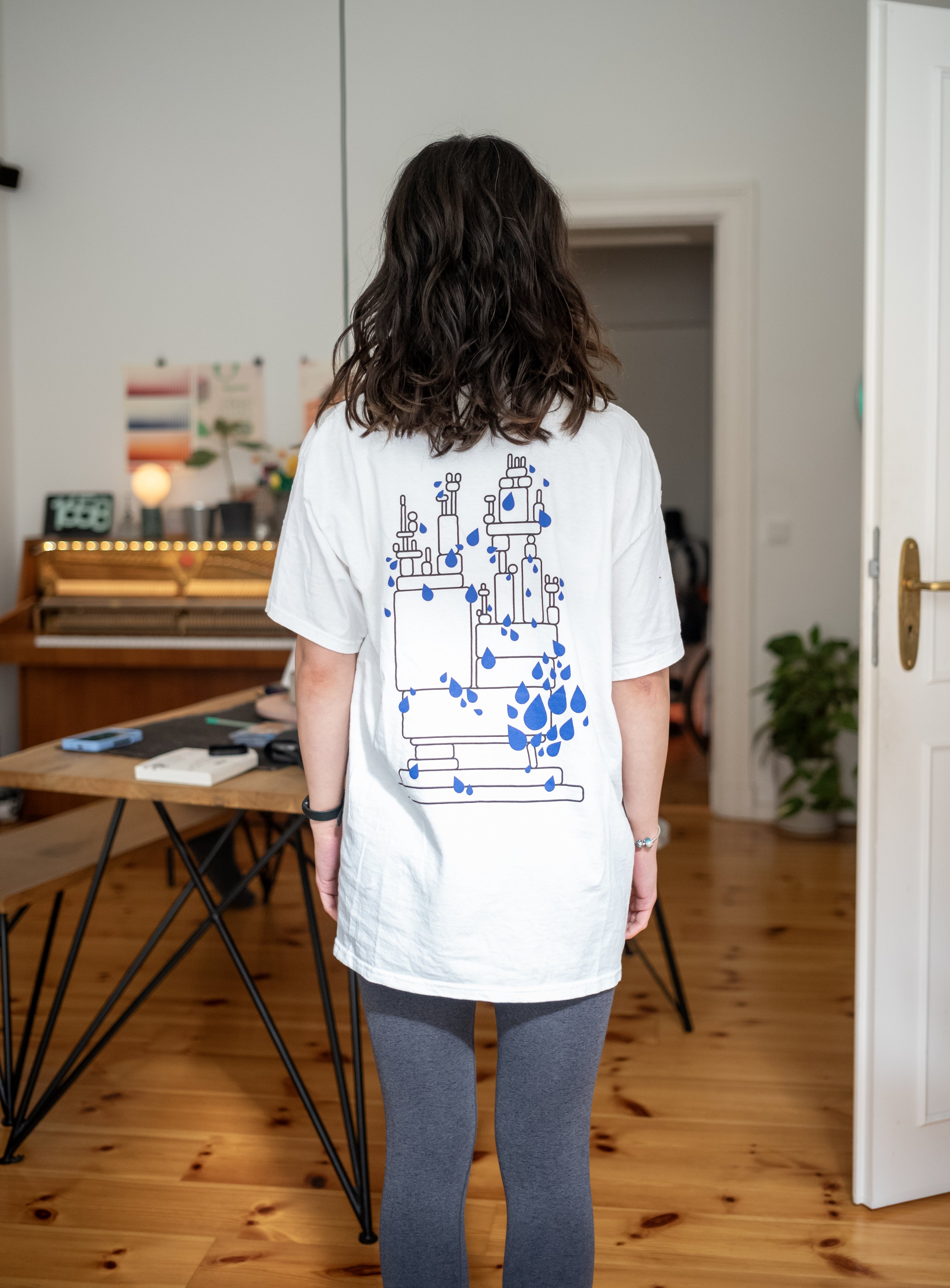
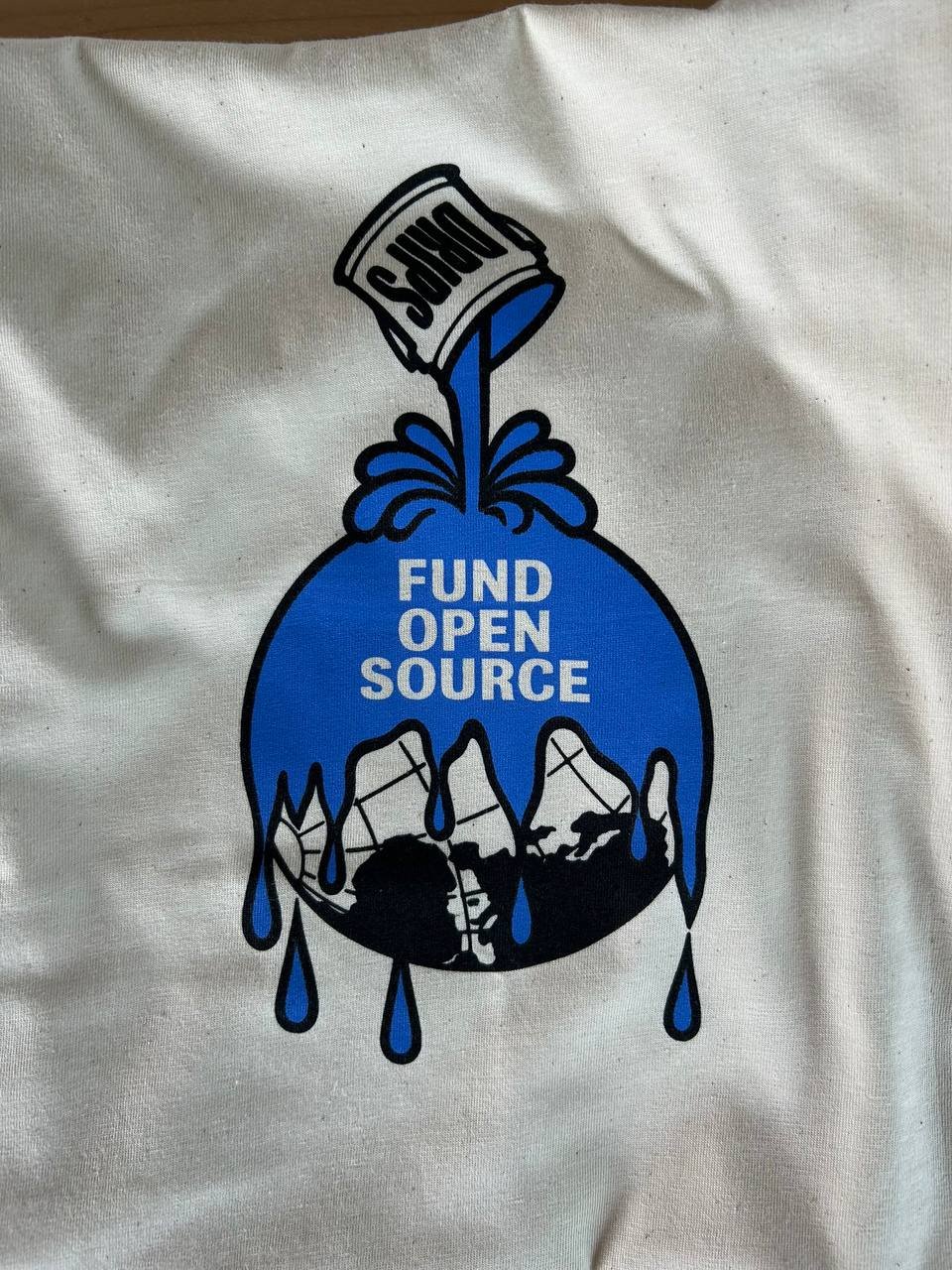
You know that famous XKCD comic about how all modern infrastructure is based on that one project maintained by some guy in Nebraska? I made a t-shirt based on that.
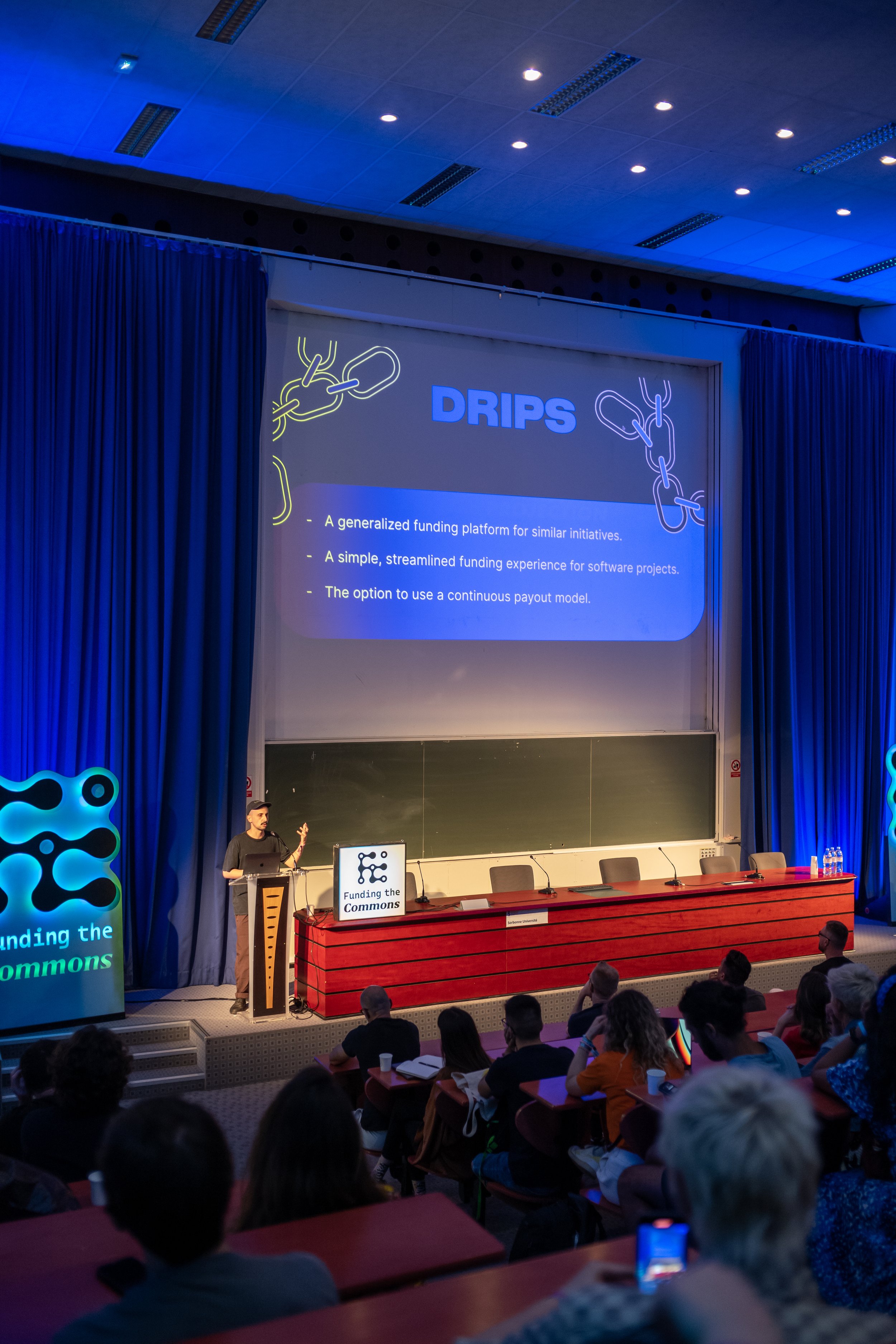
I also worked on some slides for our founder’s presentation at the conference.
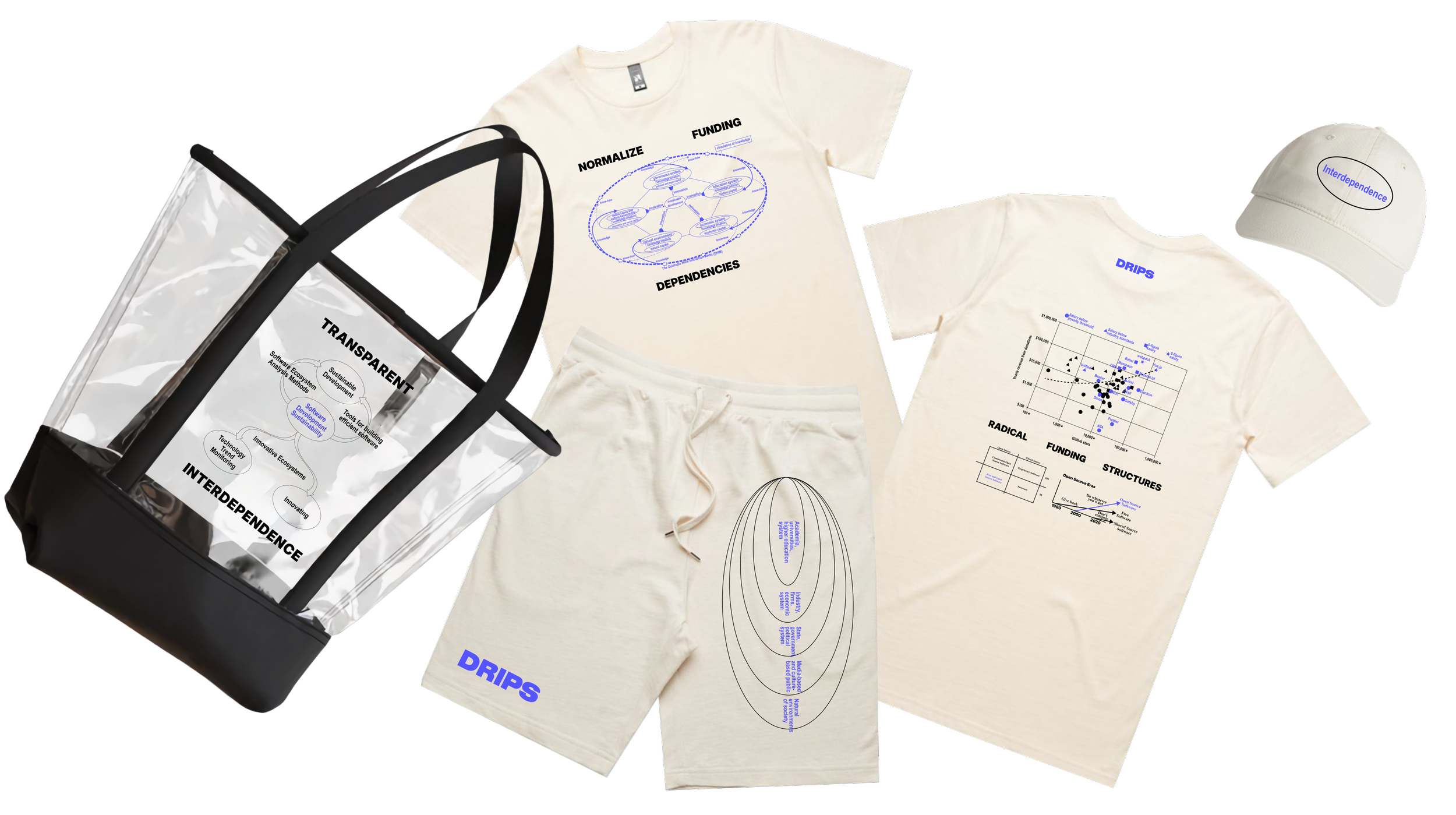
I took a bunch of charts and graphs about funding open source and made swag for a conference in Taipei.
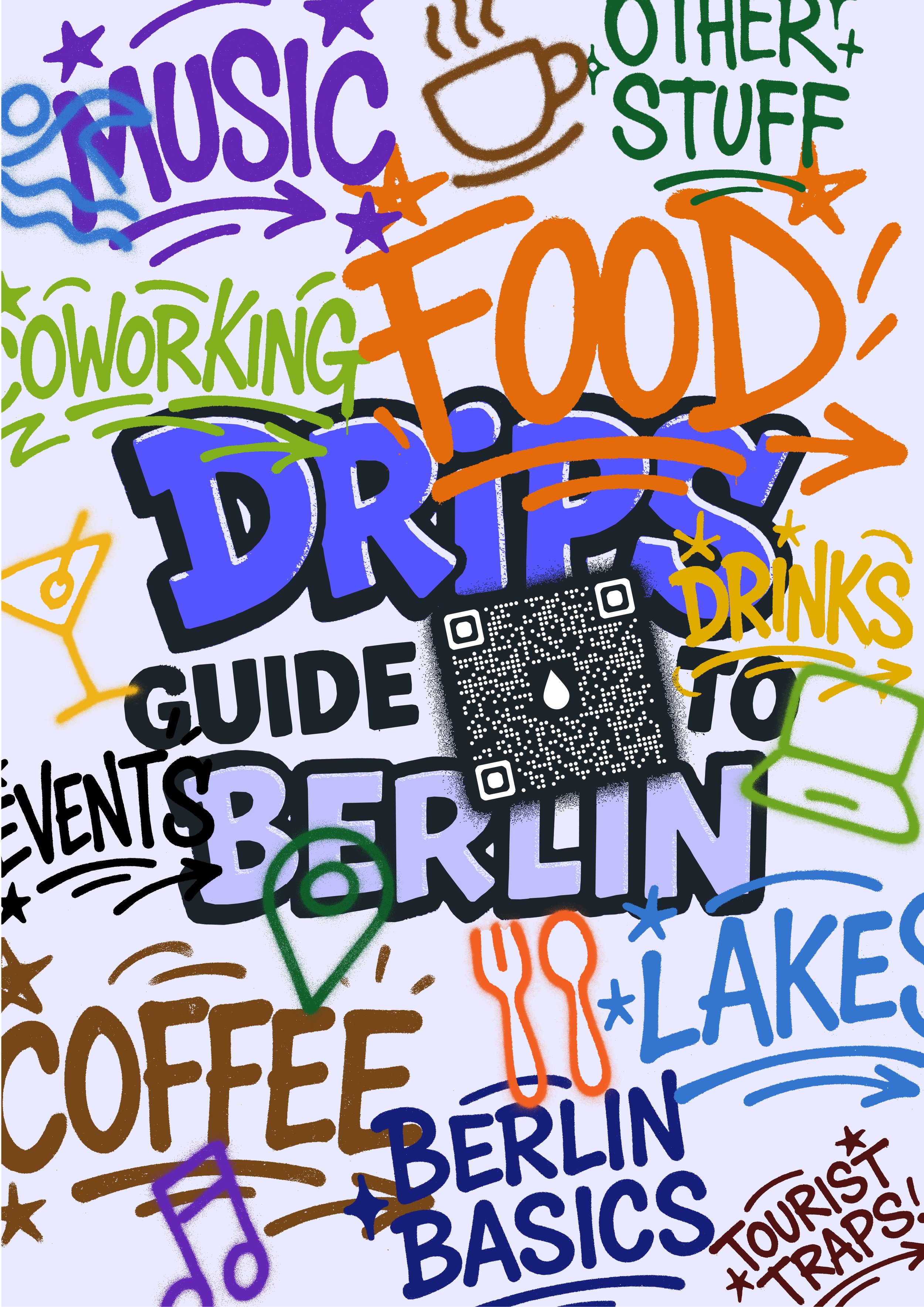
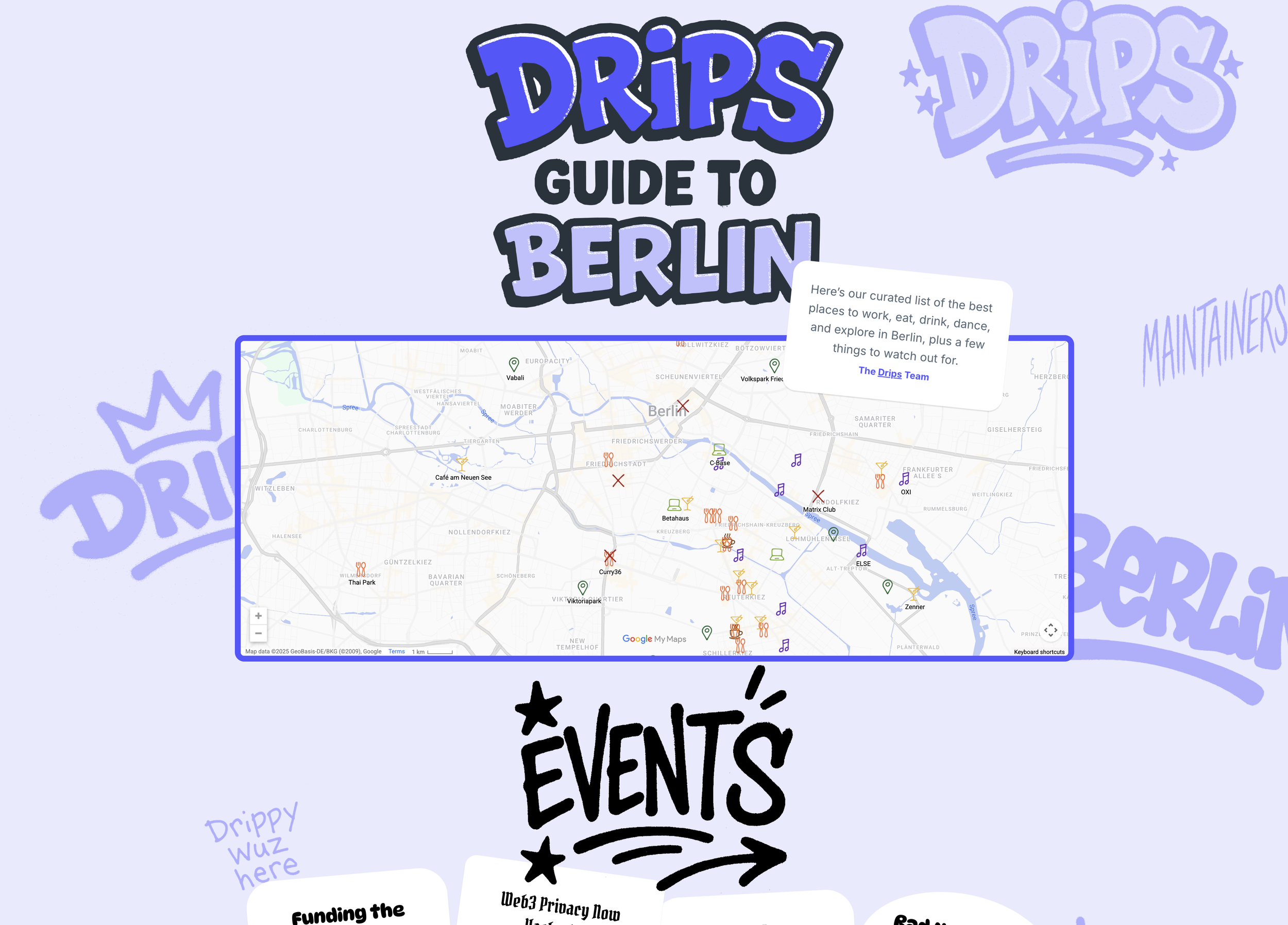
Drips Guide to Berlin
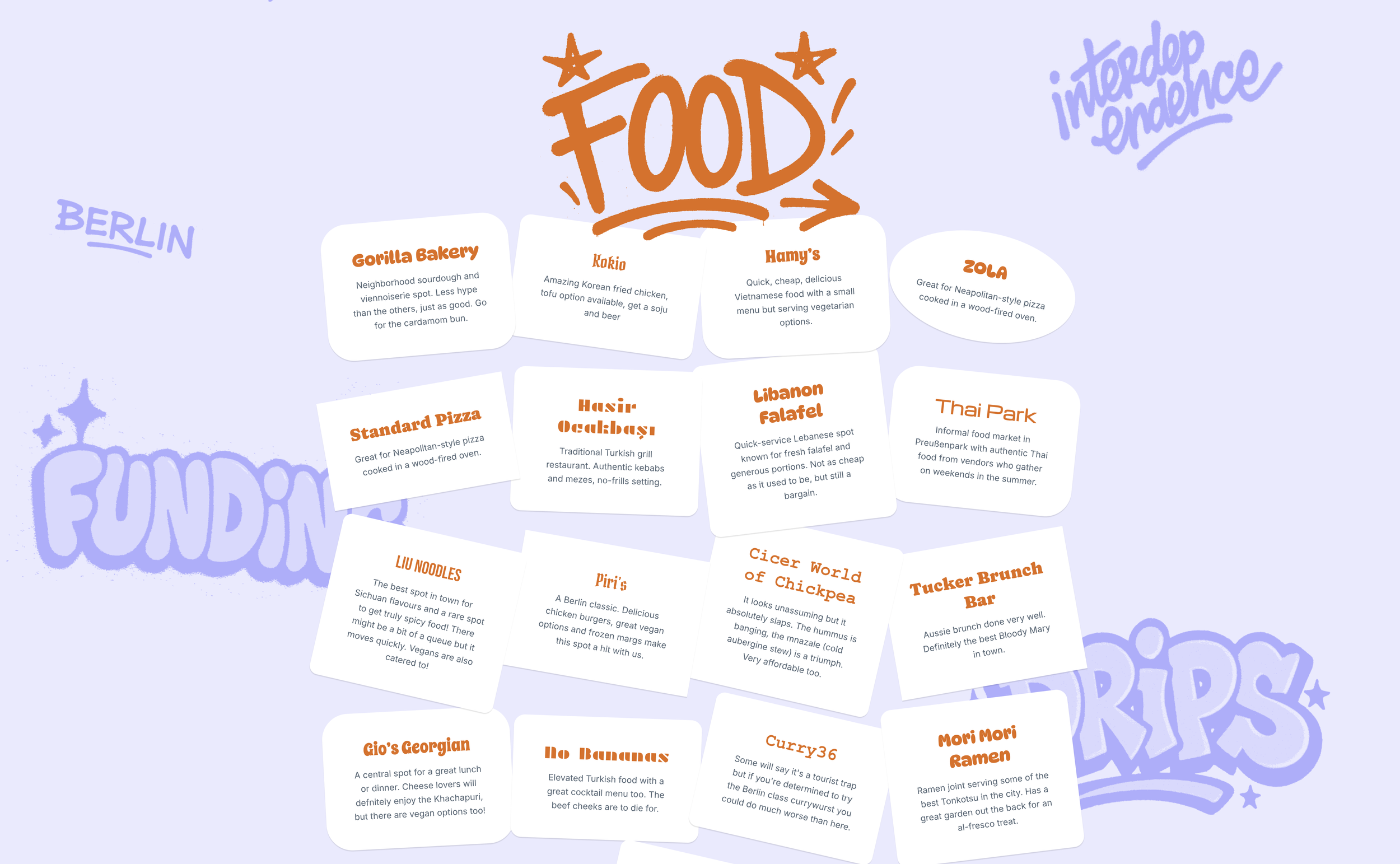
For a conference in Berlin, I designed and built a Drips Guide to Berlin at berlin.drips.network. It’s graffiti themed, so it looks like Berlin, get it? You’re first shown a map with every spot marked, and each suggestion card links to its Google Maps page.




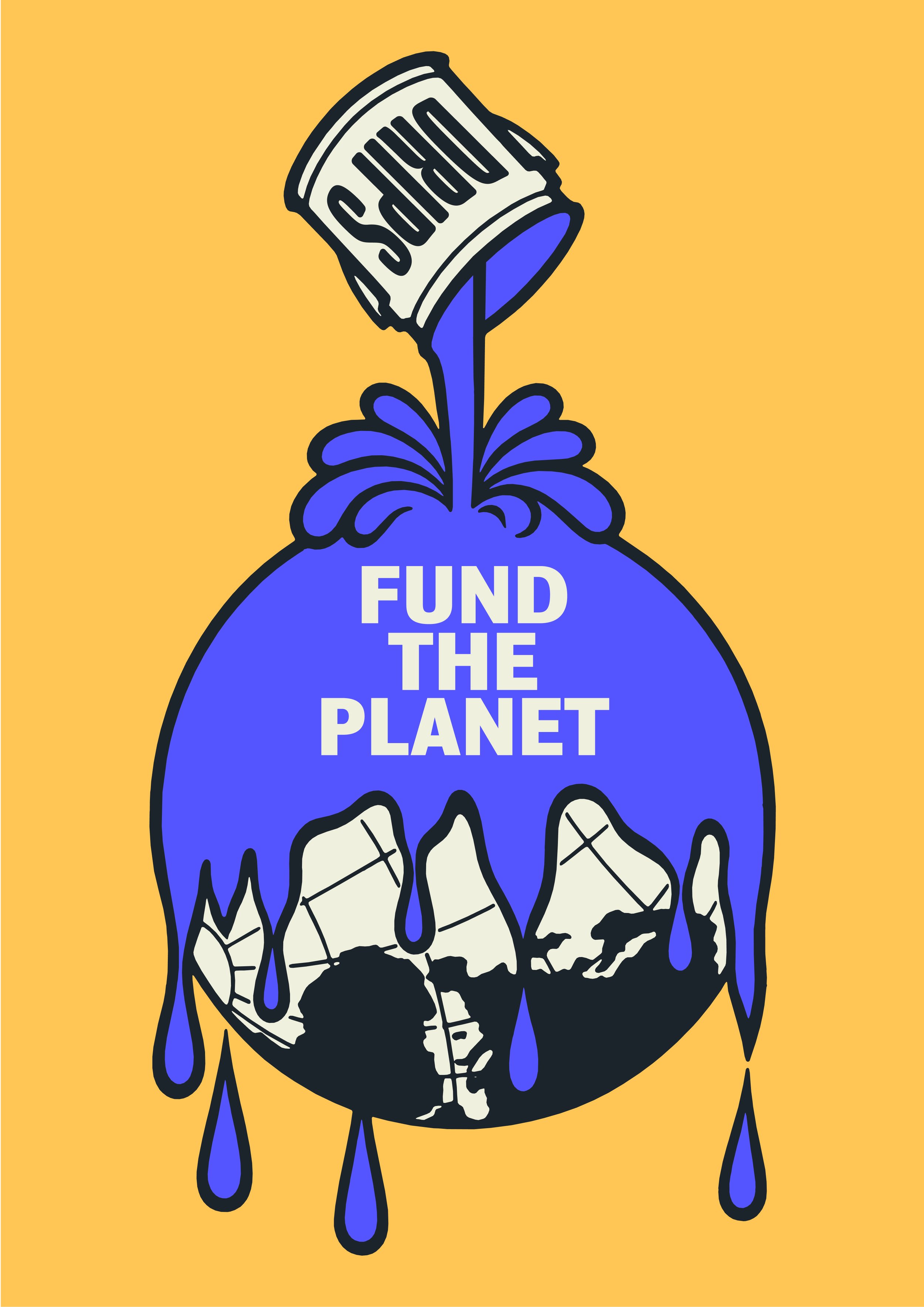
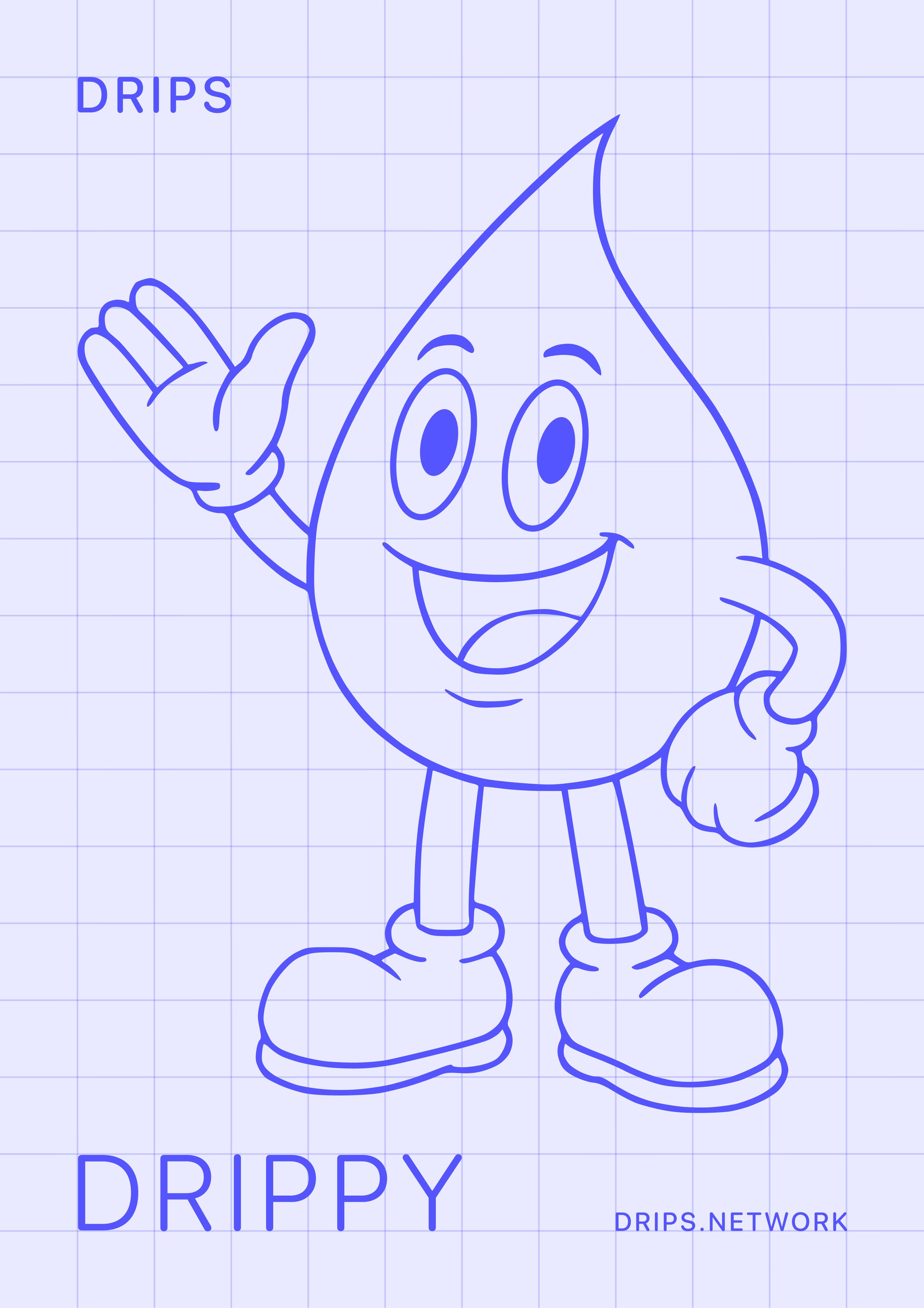
I also designed a bunch of Drips posters in various styles to hang around the booth. This was an affordable and easy to execute way to make our booth look cool. I wasn’t there for the conference so it was also a easy way to design a booth that didn’t require precise planning. Anyone can hang some posters!