Future Cash
An app that shows your bank balance on every day ahead. I designed and built it, the app and its website.
Role: Visual Design, Branding, Code, Website
Live at myfuture.cash
Most money apps look backwards: they sort what you already spent and show you a chart of last month. Future Cash looks forward. With the bills and paydays you know are coming, what will your account look like next Tuesday, or in March?
You type in your balance, add your bills, paychecks, planned purchases and trips, and it lays out your balance on every day ahead. Bills and paydays repeat on their own, so keeping it current is usually just updating the balance.
Jump to: The forecast, Can I afford it?, Private by design, The app, Identity and website
The forecast
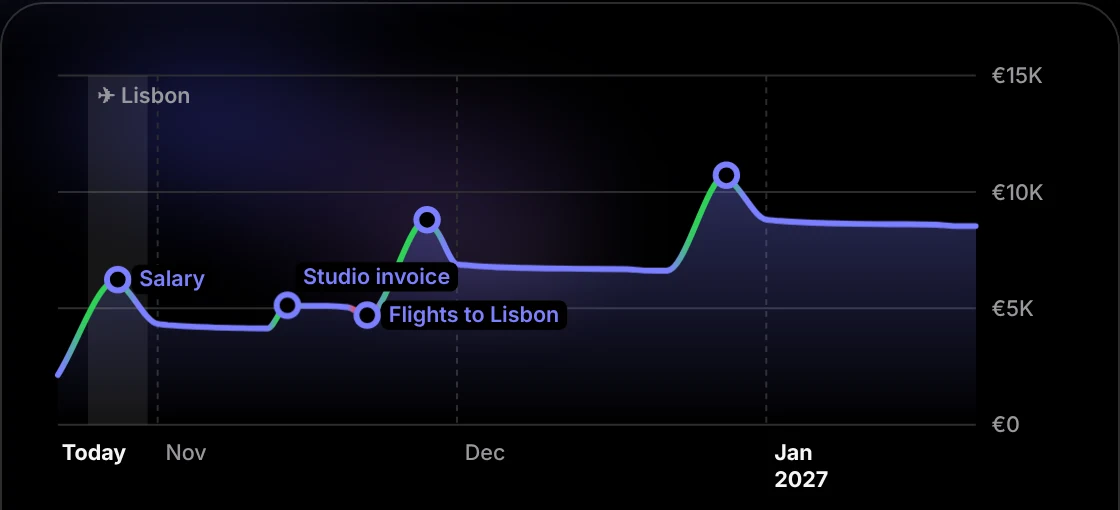
The main screen is a chart of your balance over the next one, three, six or twelve months, with paydays, big purchases and trips marked right on the line. It climbs into paydays and drops into bills, so you can see the tight weeks long before you get to them.
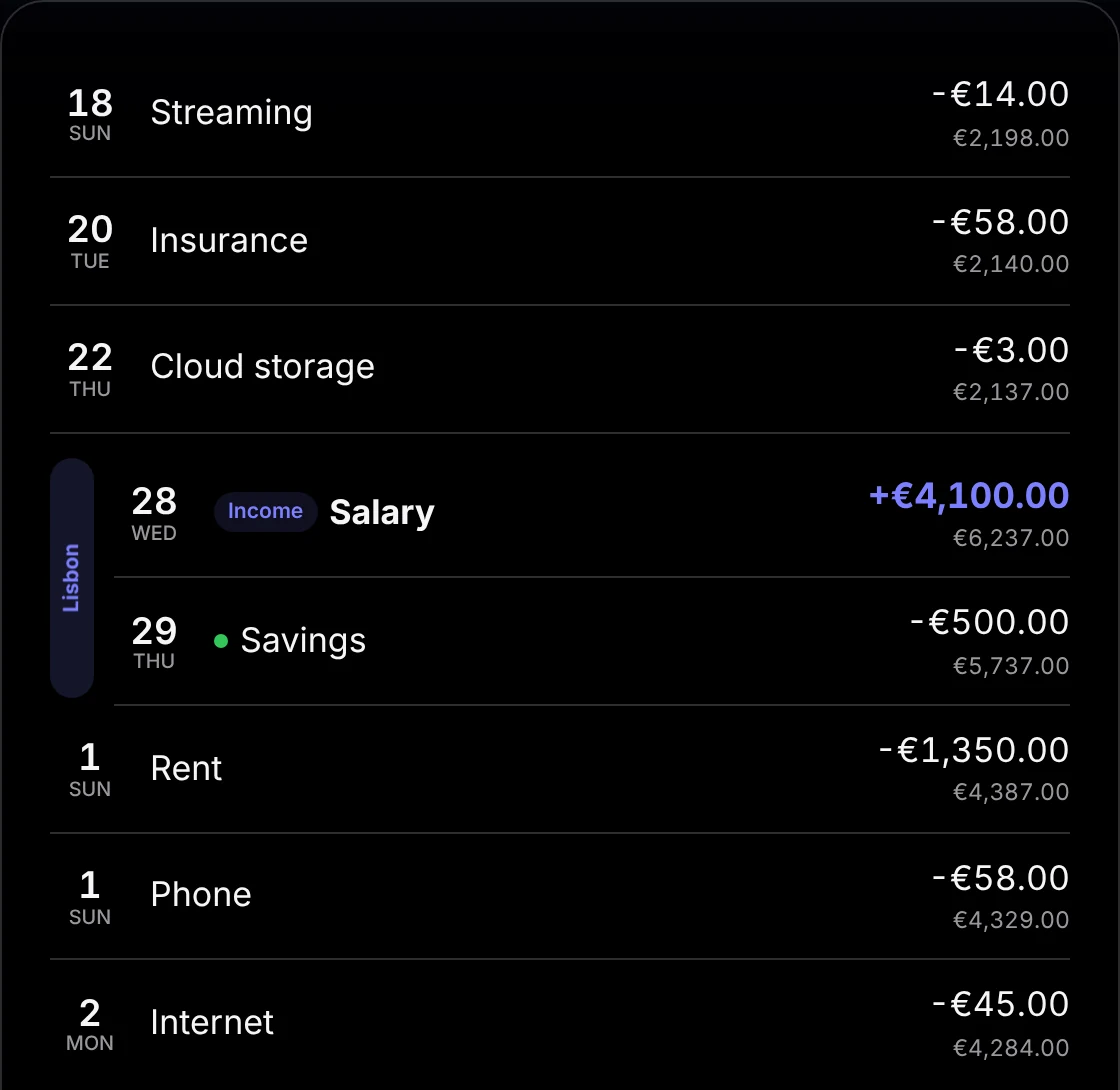
Below it, every payment is listed in order with what’s left after it. Payments during a trip are grouped beside a bar with the trip’s name, so a holiday reads as one stretch of spending rather than a scatter of rows. If a bill goes out early or a paycheck lands late, you swipe to mark it paid or received.
Two numbers sit at the top. Balance today is what your bank shows. Safe to spend is the most you could spend right now without your balance dropping below zero at any point in the next year. For freelance income, the app sets aside a share for tax so that money is never counted as spendable.
Can I afford it?
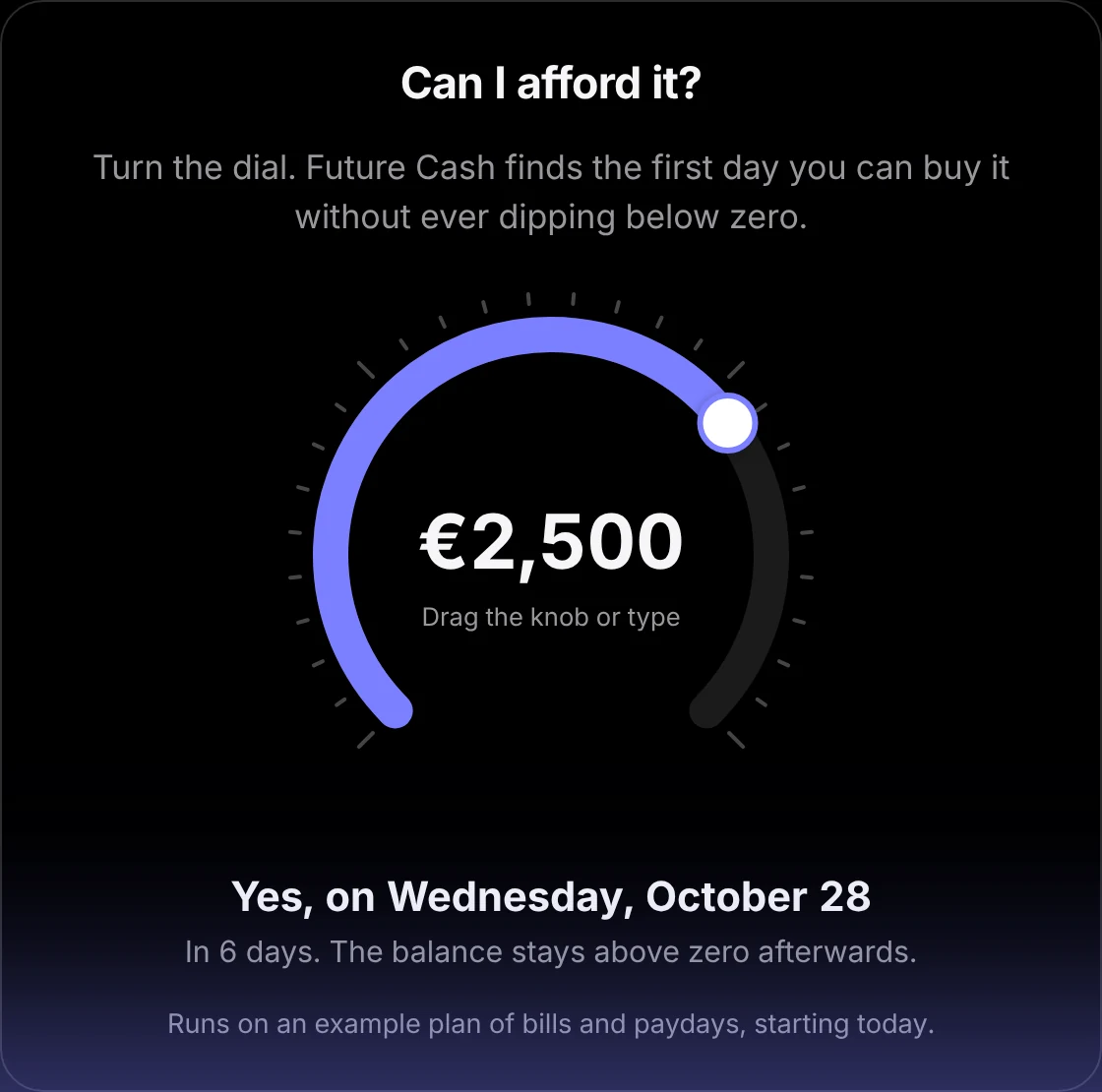
Most spending decisions come down to one question, so it gets its own screen: a dial. Turn it to an amount and Future Cash finds the first day you could buy it without your balance ever dipping below zero afterwards. One more tap adds the purchase to your forecast on that day.
Private by design
Future Cash never connects to your bank. Linking a bank account is the part of most finance apps people trust least, and a forecast doesn’t need it: your balance and your plan are enough. Your data lives on your devices and in your own iCloud account, which keeps iPhone, iPad and Mac in sync. There are no accounts, no servers and no analytics.
The app
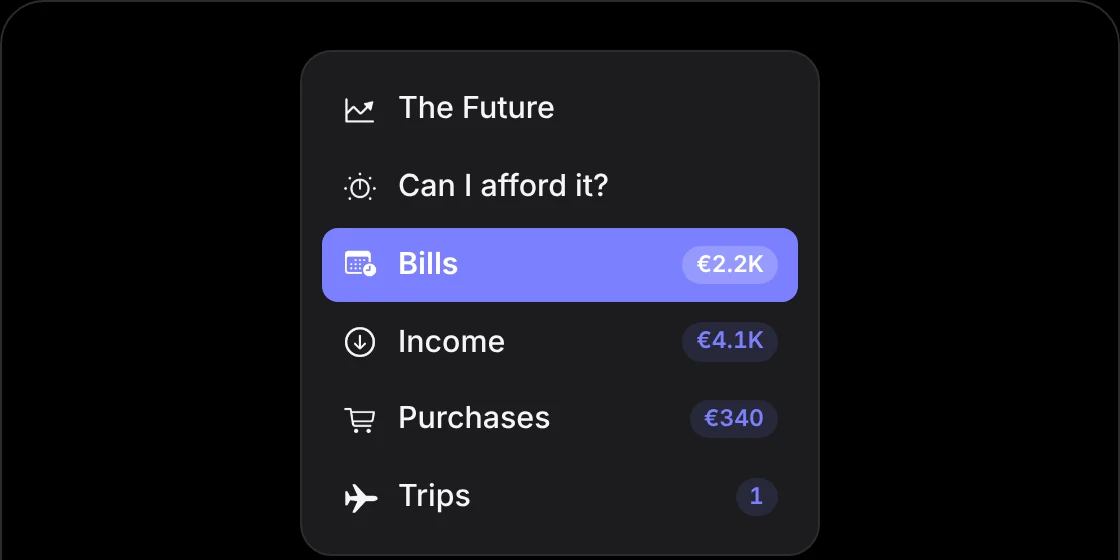
It’s a native app for each device rather than one design stretched across all three. On iPhone and iPad it uses tabs; on the Mac it has its own sidebar and keyboard shortcuts for every section. The numbers are set in SF Rounded, and the navigation titles match them, so the whole app feels a little softer than a bank.
Identity and website
The name made the idea easy to draw: a crystal ball for an app that tells you the future. The icon puts one on a gold stand against indigo, and that indigo became the app’s accent color.

The website carries the same mood: a starry night behind the crystal ball, with purple mist drifting across it. The features are small live recreations of the app rather than screenshots, and the “Can I afford it?” dial on the page runs the app’s own forecast on an example plan.